
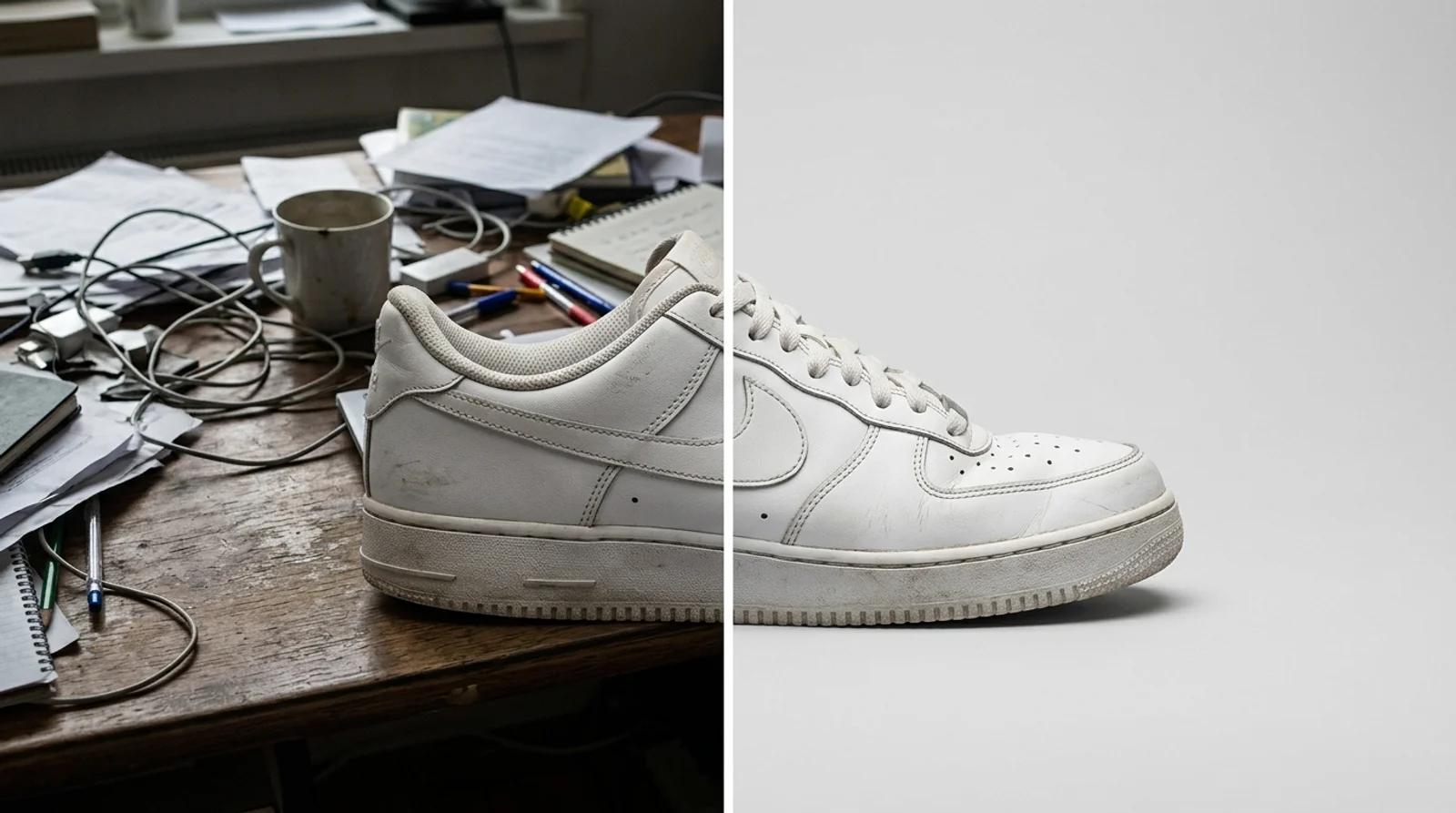
How to Change the Background of a Photo Online for Free (AI Background Changer)
Change the background of a photo online free with AI. Swap a messy backdrop for a clean studio one on product shots, portraits, and listings.

A repository-backed Seedance 2.0 image-to-video guide using three exact prompts, source frames, five-second outputs, and bounded visual observations.
This guide documents three Seedance 2.0 image-to-video runs already stored in the Inkfox AI repository. It is a small test set, not a universal benchmark. Every case below uses the saved source image, exact configured prompt, and corresponding output video.
For hands-on generation, open the Seedance 2.0 video generator. For a model-neutral workflow, start with the image-to-video workspace.
| Scenario | Prompt direction | What is visible in this saved output | Boundary |
|---|---|---|---|
| Baby dance | Lively natural dance with stable proportions | The pose changes while the child and living-room framing remain recognizable | One five-second result cannot establish consistency across other poses or inputs |
| Wedding social | Energetic reel movement and gentle camera sway | The couple stays centered while the veil and foreground particles change across the clip | The run requested 16:9; the saved file is encoded at 864×496 from a portrait-oriented source composition |
| Sparkling drink | Bubbles, garnish sparkle, creator-style product motion | The glass, citrus garnish, and bar composition remain recognizable across the clip | The movement is restrained, so it suits a product accent more than an action-heavy shot |
Test date: July 12, 2026.
All three saved runs use the same repository-backed configuration:
seedance-2, version 2.0-fast)These settings describe the saved tests only. They do not claim that every Seedance configuration behaves the same way.
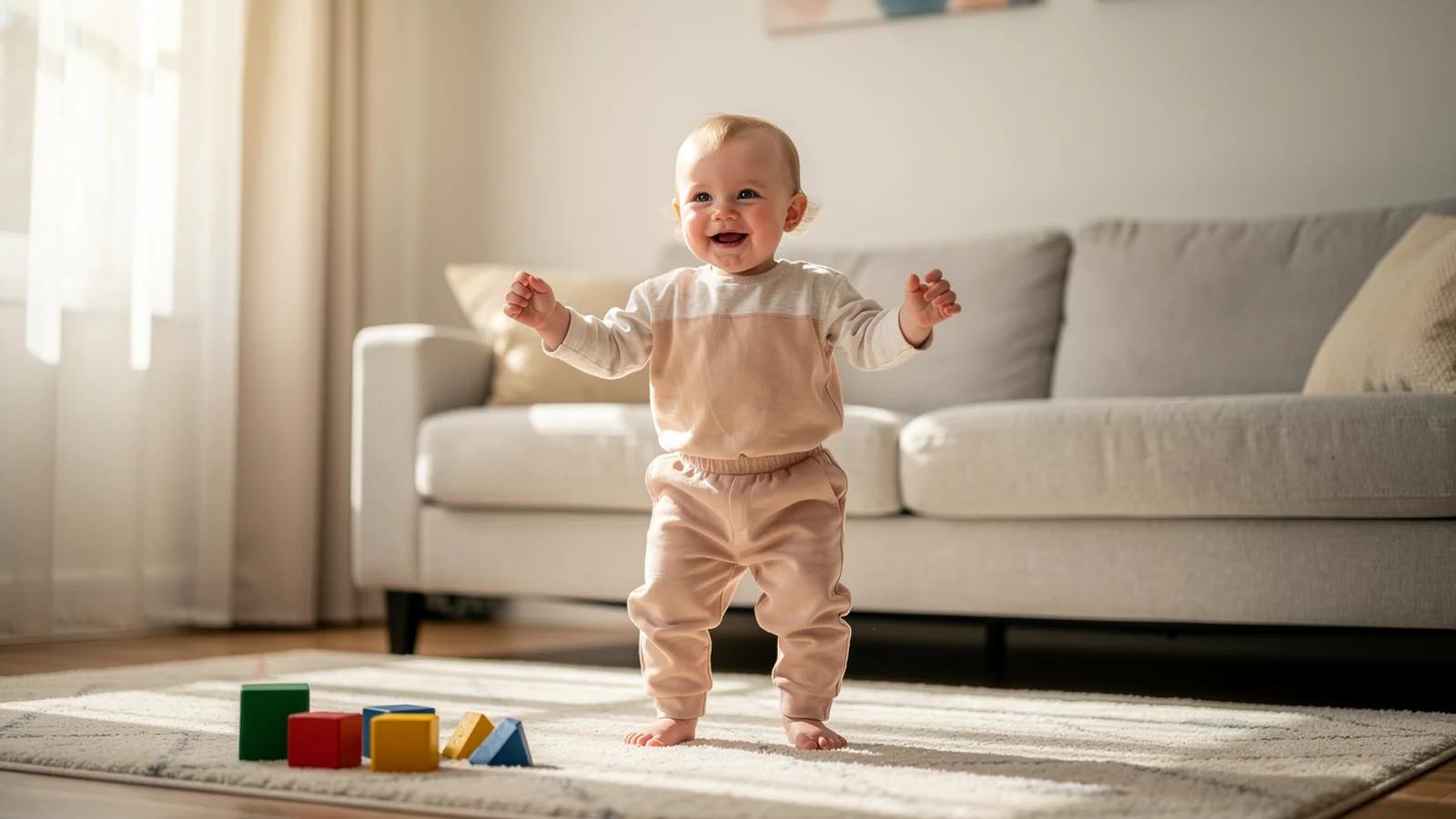
Create a realistic short hover preview from this first frame. Preserve the subject identity, composition, materials, background, and framing. Use subtle model-appropriate motion only. No text, no logos, no watermark, no morphing, no extra objects. Add lively but natural dance motion, stable body proportions, and playful social-video energy.
Across the saved clip, the child's arm and leg positions change while the face, outfit, sofa, window, and low camera framing remain recognizable. That makes this example useful for checking motion around a single full-body subject. It is still only one short output; it does not prove reliable anatomy for every dance prompt or starting pose.
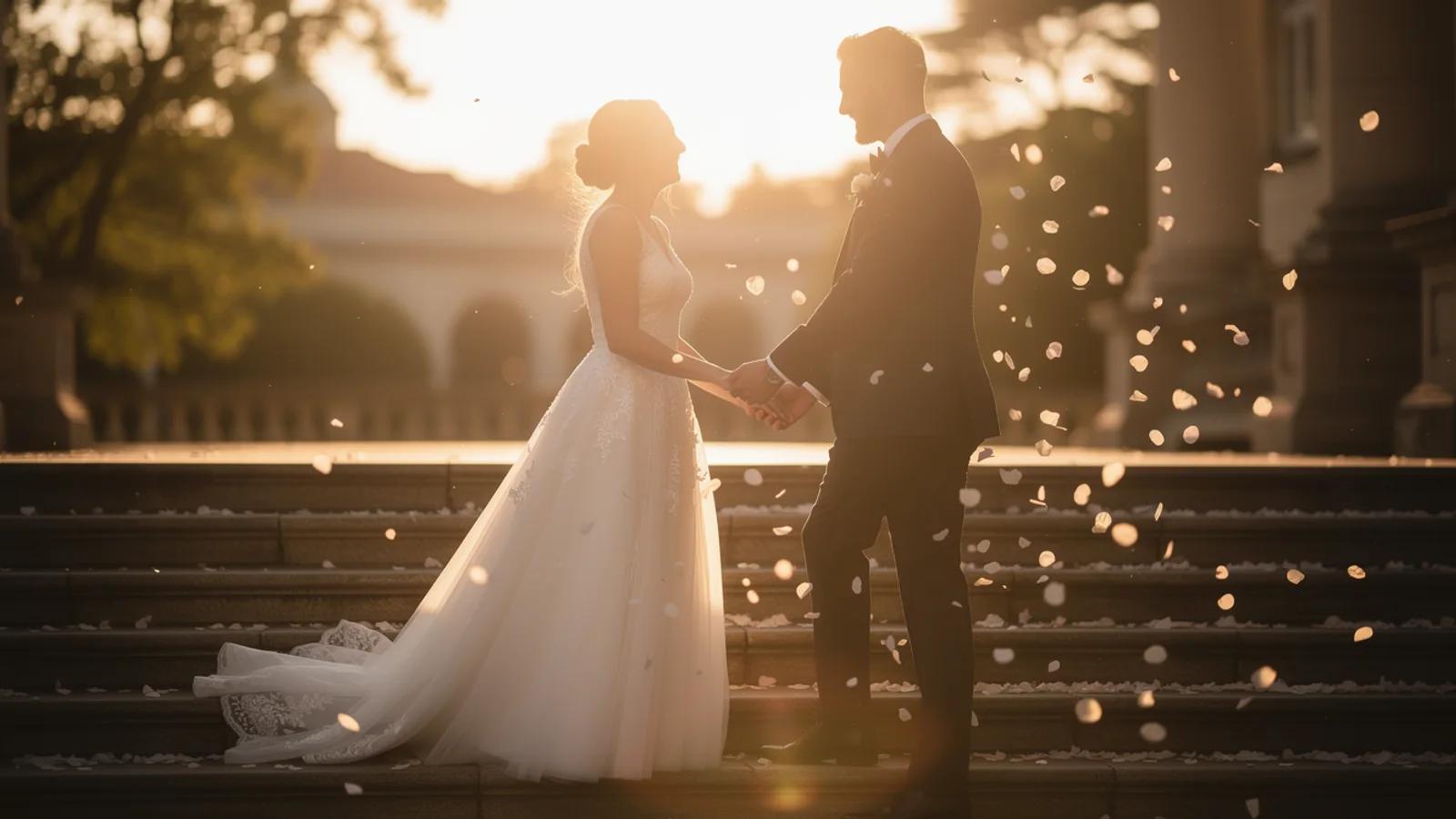
Create a realistic short hover preview from this first frame. Preserve the subject identity, composition, materials, background, and framing. Use subtle model-appropriate motion only. No text, no logos, no watermark, no morphing, no extra objects. Add energetic social reel movement, gentle camera sway, and stable wedding subjects.
The couple remains the central subject while the veil and bright foreground particles shift between frames. The garden steps and backlit setting remain recognizable. Because the run requested 16:9 and the saved file is encoded at 864×496, this run does not test delivery as a native 9:16 reel even though the source composition is vertically oriented.
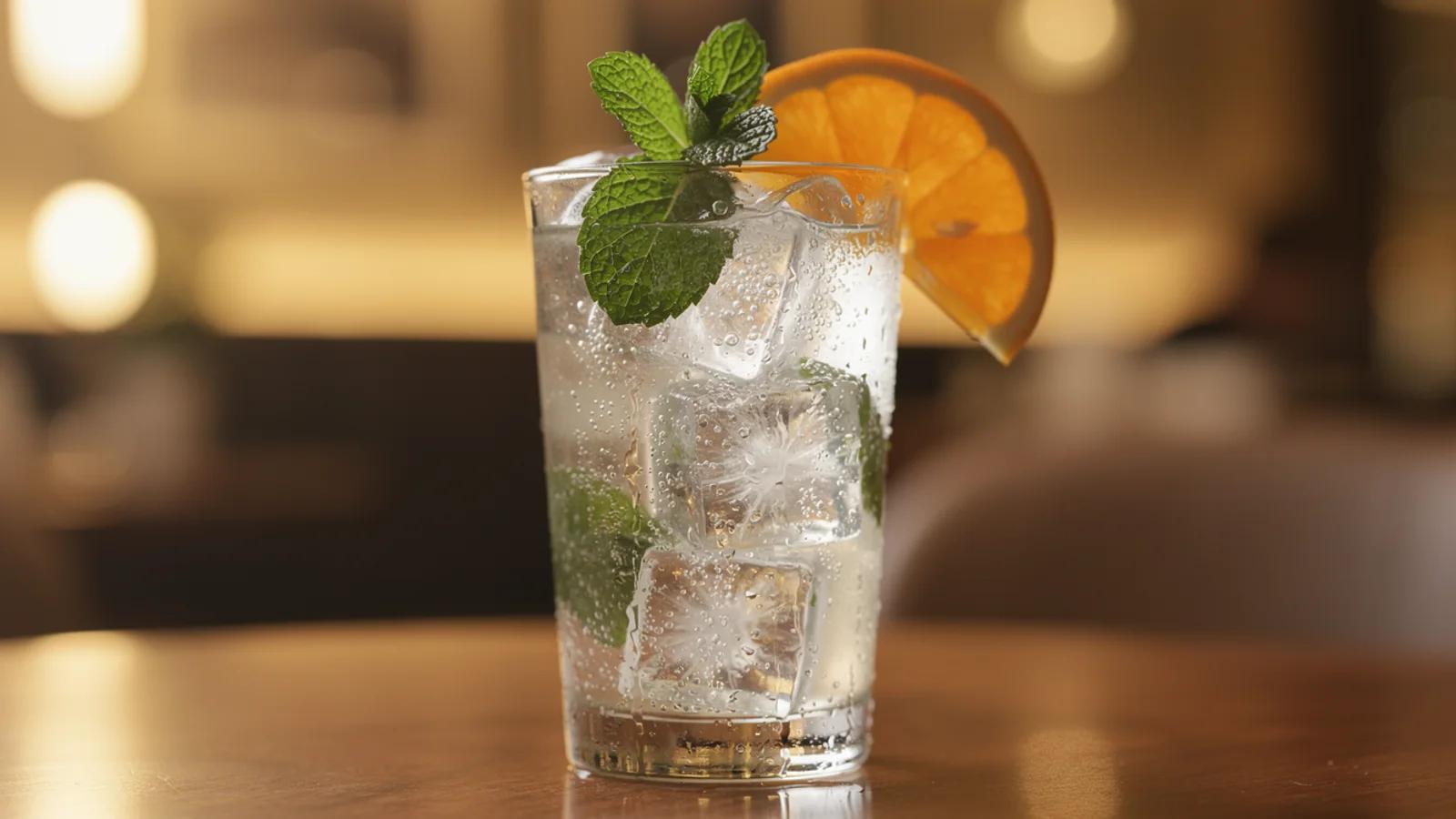
Create a realistic short hover preview from this first frame. Preserve the subject identity, composition, materials, background, and framing. Use subtle model-appropriate motion only. No text, no logos, no watermark, no morphing, no extra objects. Add bubbles, garnish sparkle, and a short creator-style product motion.
The glass silhouette, ice, citrus wheel, mint, and warm bar background stay recognizable across the saved frames. The visible change is restrained rather than a large camera or object move. That is a useful boundary: this exact prompt-and-input pair reads as a subtle product accent, not evidence for complex product choreography.
In these three saved outputs, the main subject and surrounding composition remain recognizable while motion is introduced. The baby case shows the clearest body-pose change, the wedding case layers movement around two central subjects, and the drink case keeps motion comparatively restrained.
The evidence is deliberately narrow. There is one output per prompt, all at 480p and five seconds, with no audio. The set does not measure generation speed, repeatability, prompt success rate, text rendering, longer shots, or alternate aspect ratios. Those questions require separate controlled tests.
Use this as routing guidance, not a universal ranking. These saved Seedance tests were not generated head-to-head against Kling 3.0 with identical inputs.
| If your task is... | Start here | Why |
|---|---|---|
| Reproduce one of the three documented 480p, five-second motion directions | Seedance 2.0 | The exact local inputs, prompts, settings, and outputs are documented above |
| Evaluate the repository's configured 720p Kling 3.0 path | Kling 3.0 video generator | The current Kling 3.0 examples use a separate 720p, five-second configuration |
| Compare models for your own image | Run the same controlled brief in both | A matched input and prompt is more useful than inferring a winner from unrelated samples |
Browse the AI models hub when the input type or target output matters more than a specific model name.
Create a realistic short preview from this first frame. Preserve [subject identity], [composition], [materials], [background], and [framing]. Add [one primary subject motion], [one camera or environmental motion], and [the intended pace or channel feel]. Keep [critical geometry or body features] stable. No text, no logos, no watermark, no morphing, no extra objects.
Keep each motion instruction concrete. If the subject must not change, name the identity, geometry, garment, package, or background feature that needs to stay recognizable.
For a broader workflow before choosing a model, use the image-to-video page.
No. They are three repository-backed examples with fixed settings. They show what is visible in those saved files, not an average success rate or universal quality result.
Yes. The saved configuration is Seedance 2.0 Fast, first-frame input, 5 seconds, 480p, 16:9, and Sound off.
No. The source composition is vertically oriented, but the saved test configuration and output are 16:9. Choose and verify a vertical aspect ratio separately when the delivery format must be 9:16.
Choose by task and run a matched test when the decision matters. Start with Seedance 2.0 to reproduce the documented cases here. Use the Kling 3.0 workspace to evaluate its separately configured examples, or find both routes in the AI models directory.
Change the background of a photo online free with AI. Swap a messy backdrop for a clean studio one on product shots, portraits, and listings.
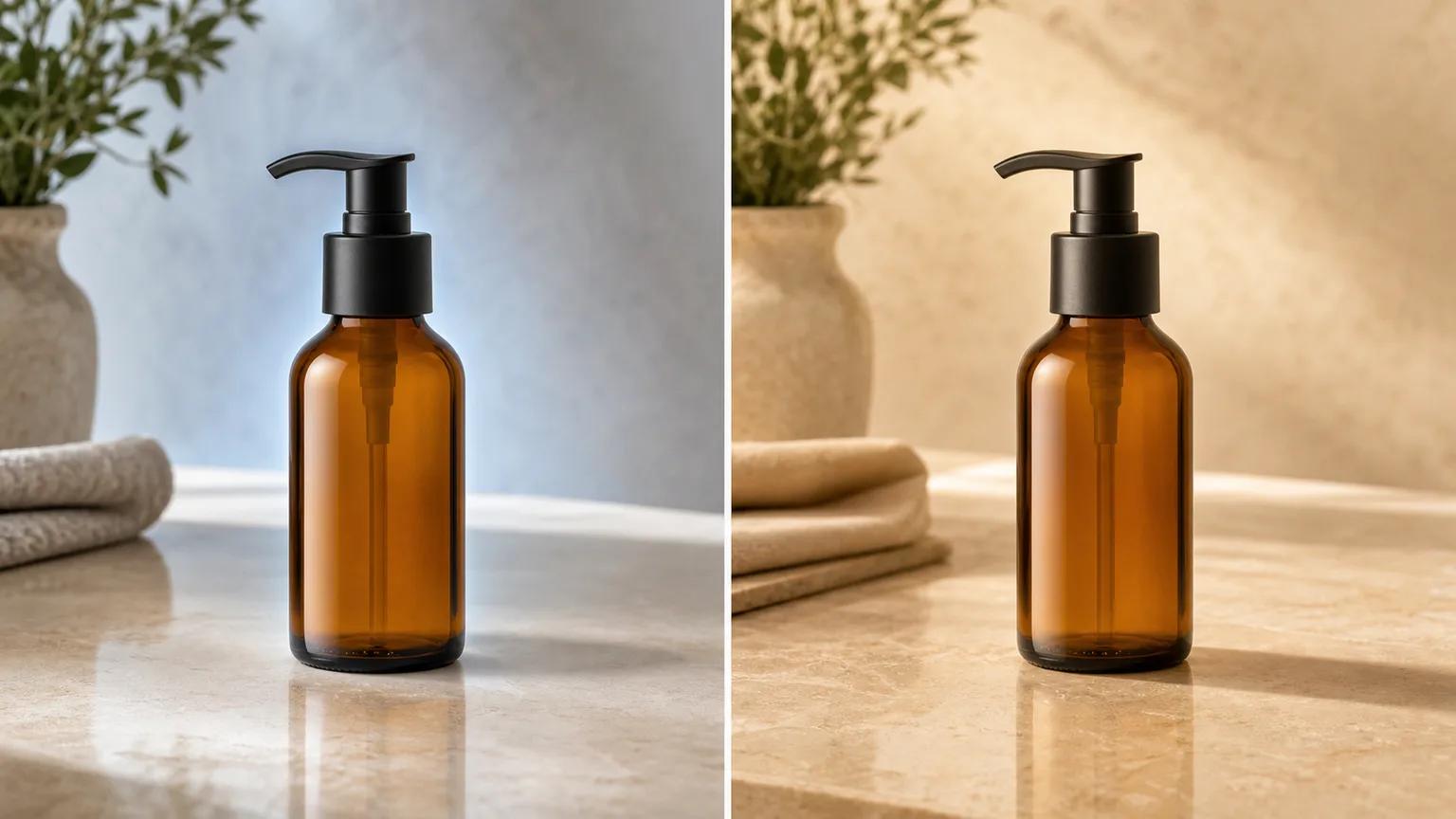
Repair unrealistic product-photo backgrounds by checking perspective, color temperature, contact shadows, edges, reflections, and batch consistency.
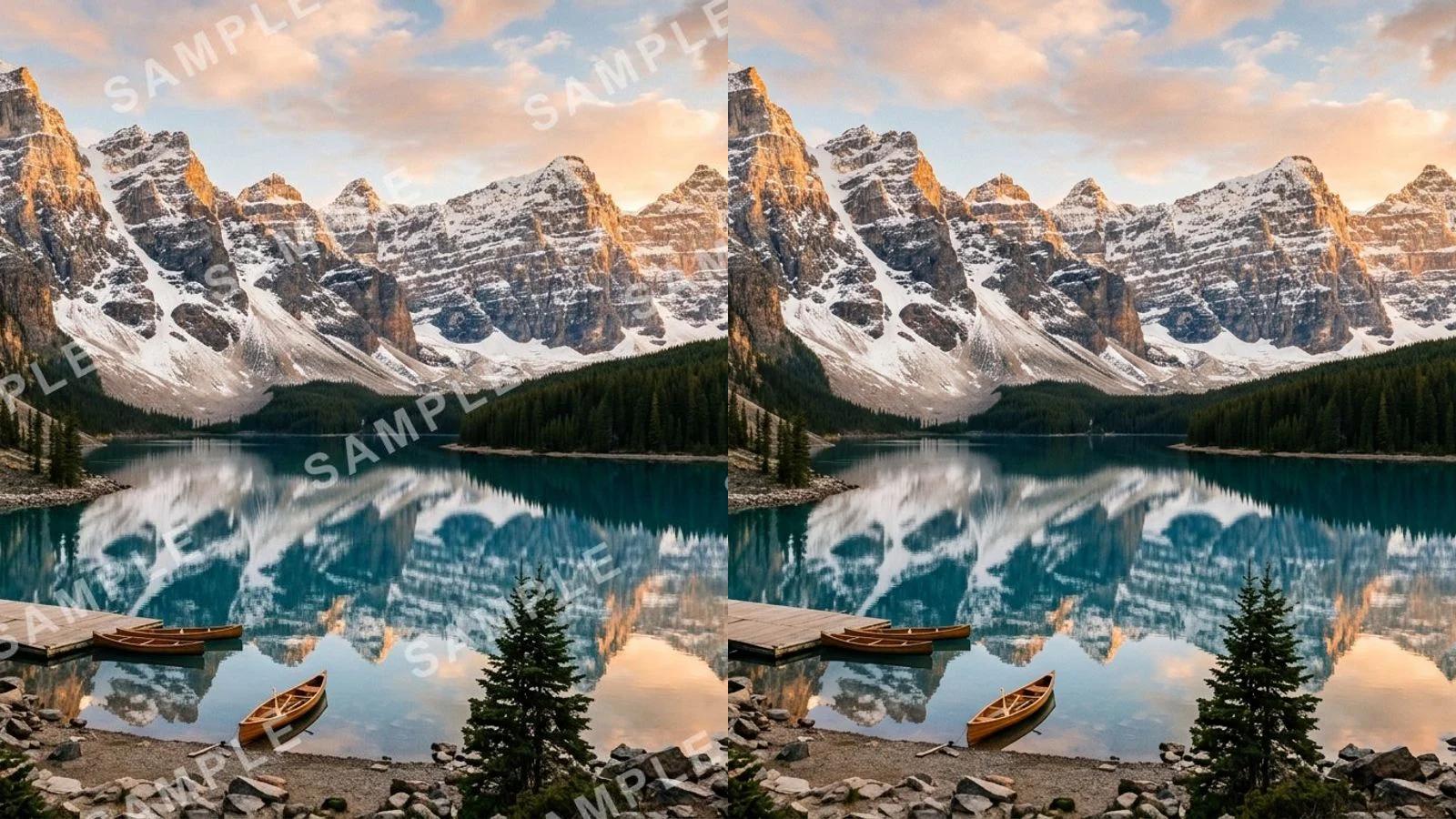
Remove a watermark from a photo for free with AI. Clear stock marks, logos, signatures, and date stamps in one click, no Photoshop needed.
Newsletter
Subscribe to our newsletter for the latest news and updates