
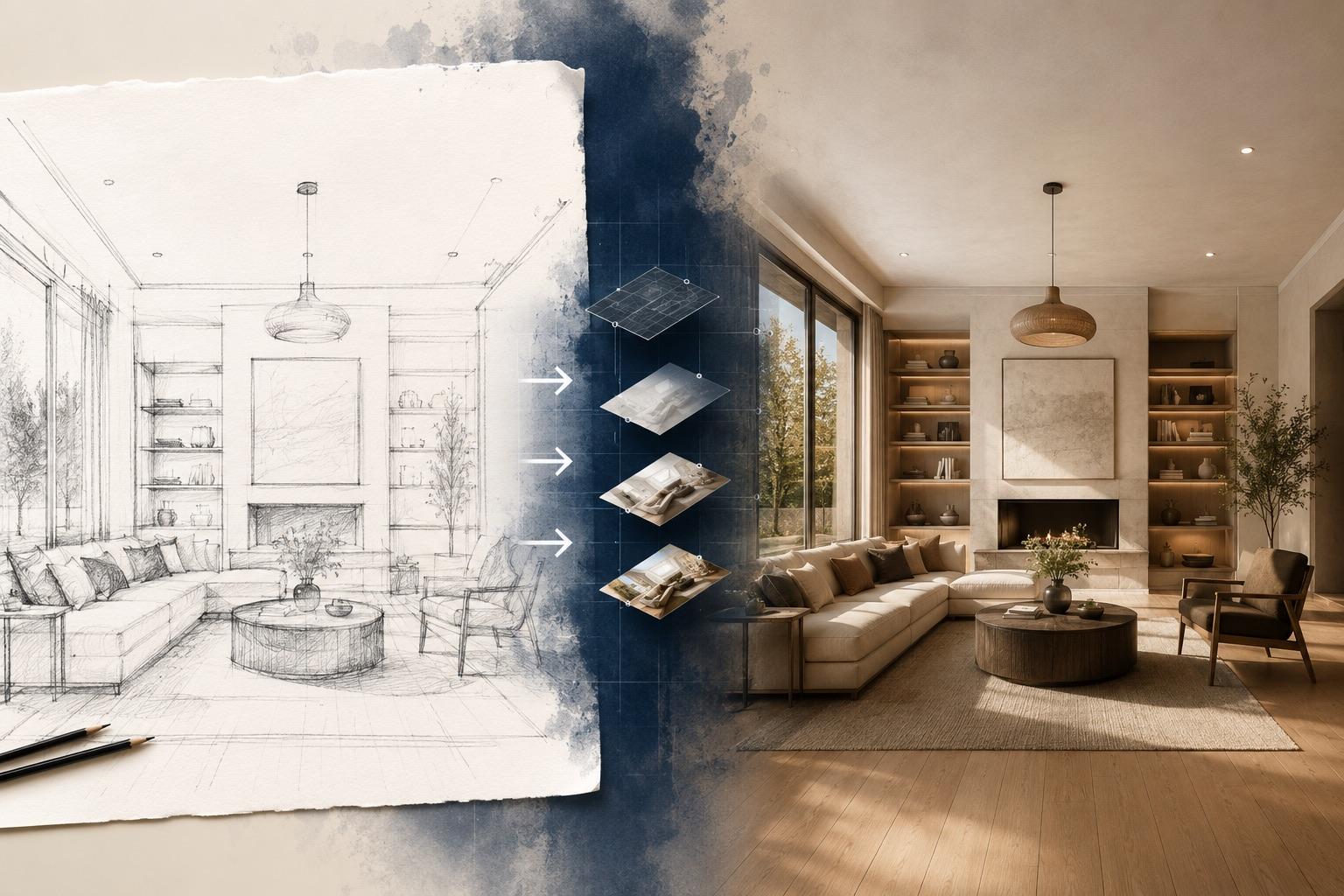
How to Turn a Sketch Into an Image With AI (AI Sketch to Image Guide)
A practical guide to AI sketch to image: prepare pencil drawings, line art, or screenshots, write prompts that respect your lines, and fix the common failures.

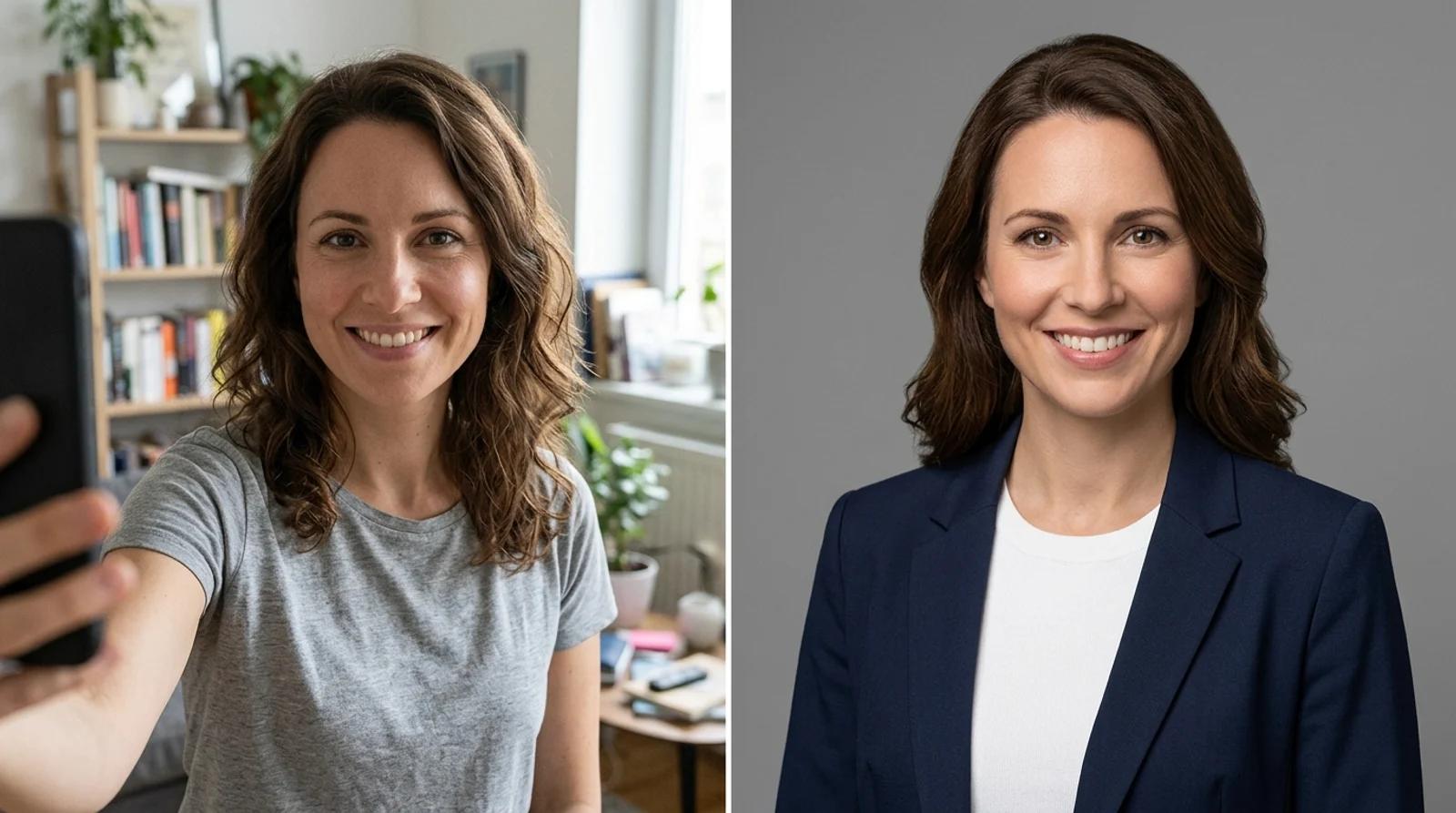
How to turn a phone selfie into a professional headshot for LinkedIn, resumes, and team pages with free AI: which selfie to use, how to pick a style, and how to check the result still looks like you.
A good headshot used to mean booking a photographer, picking an outfit, and burning an afternoon plus a few hundred dollars for a handful of usable frames. That's a lot of friction for one image most people update once every few years.
An AI headshot generator closes that gap. You make a professional headshot from a selfie in seconds: upload a normal phone photo, pick a style, and get a studio-grade portrait with your real face, glasses, and skin tone intact. The catch is that the difference between a headshot that reads as hireable and one that screams "fake" comes down to a few choices you control. This guide covers them.
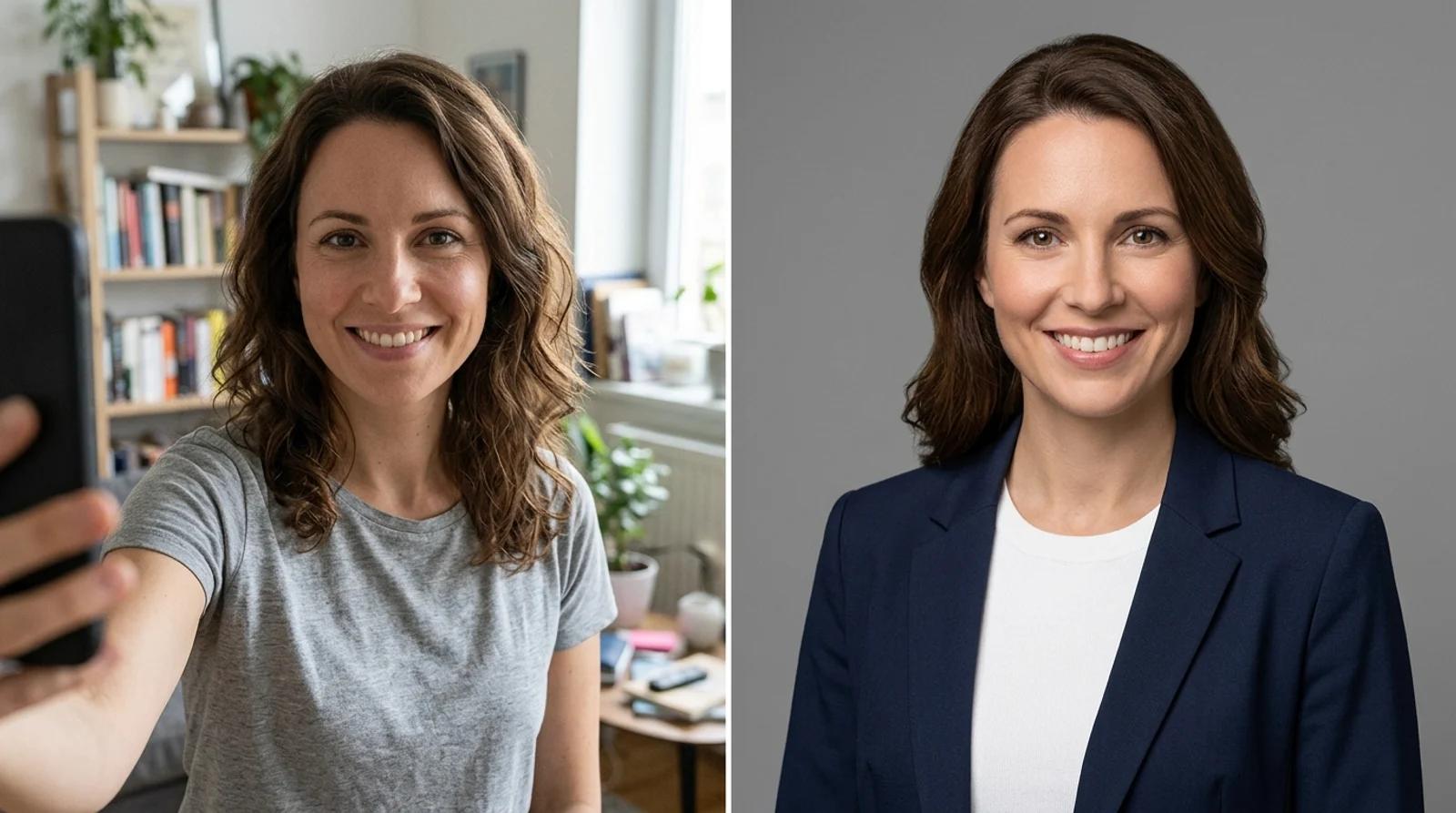
An AI headshot is built for profile photos: the picture that sits next to your name when someone is deciding whether to hire or follow you. These work well for:
They are not a replacement for document photos. Passports, visas, and government IDs require an unedited photo on a regulation background, and an AI-restyled portrait gets rejected. Use a compliant passport-photo service for those. If the image needs to be provably untouched, this is the wrong tool. For anything where the goal is "look like a professional version of yourself," it's the fast path.
The model upgrades your outfit, background, and lighting, but it can only work with the face it's given. A sharp, well-lit source is the biggest factor in a believable result. A good source selfie is:
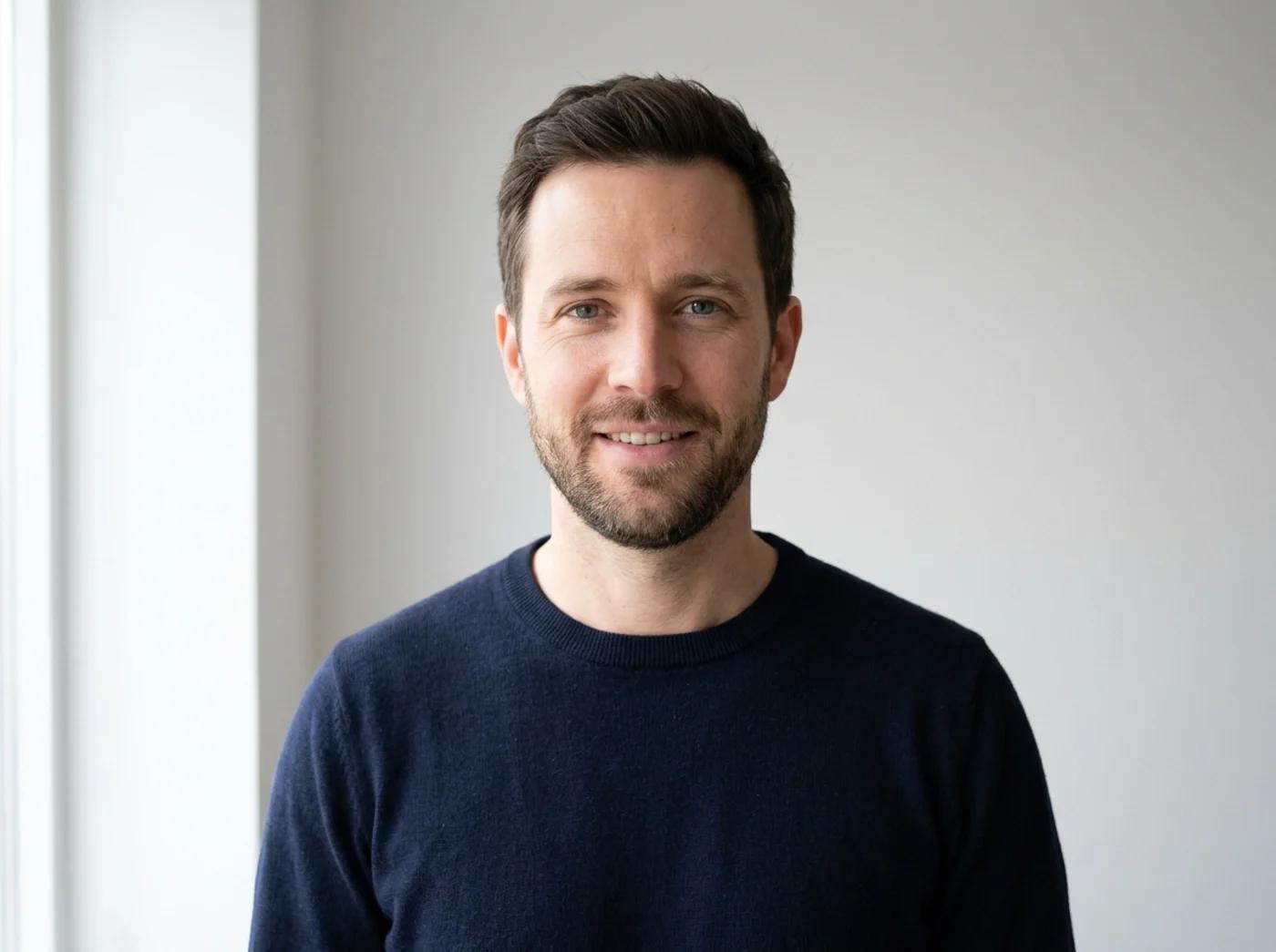
If you only fix one thing, fix the light. A phone photo taken near a window in the daytime beats almost any indoor shot under a ceiling bulb.
Open the AI headshot generator, upload your selfie, then choose a style. There's no prompt to write. The styles are pre-built, so you only decide which look fits where you're posting.
There are four, and the right one depends on your field and platform:
| Style | Look | Best for |
|---|---|---|
| Corporate | Business attire, clean neutral grey studio backdrop, soft even light | Finance, law, consulting, formal LinkedIn |
| Creative | Smart-casual outfit, soft colored gradient backdrop, warm light | Tech, design, marketing, startups |
| Outdoor | Casual wear, softly blurred green background, natural daylight | Coaches, realtors, approachable personal brands |
| Studio B&W | Refined outfit, deep black backdrop, dramatic side lighting | Speakers, founders, press and bio photos |

One habit worth picking up: run the same selfie through more than one style. It's free, and you end up with a small set. Corporate for LinkedIn, Outdoor for a personal site, Studio B&W for a speaker bio, all clearly the same person on the same day.
Match the style to your field, not your taste. A banker in a colorful creative portrait and a designer in a stiff corporate frame both read as slightly off to whoever is scanning those profiles.
Click Generate headshot. The model keeps your face, expression, and glasses, then rebuilds the outfit, backdrop, and lighting around them. It takes a few seconds.
When it finishes, don't just download the first frame. Put it next to your original and check the details AI tends to drift on:
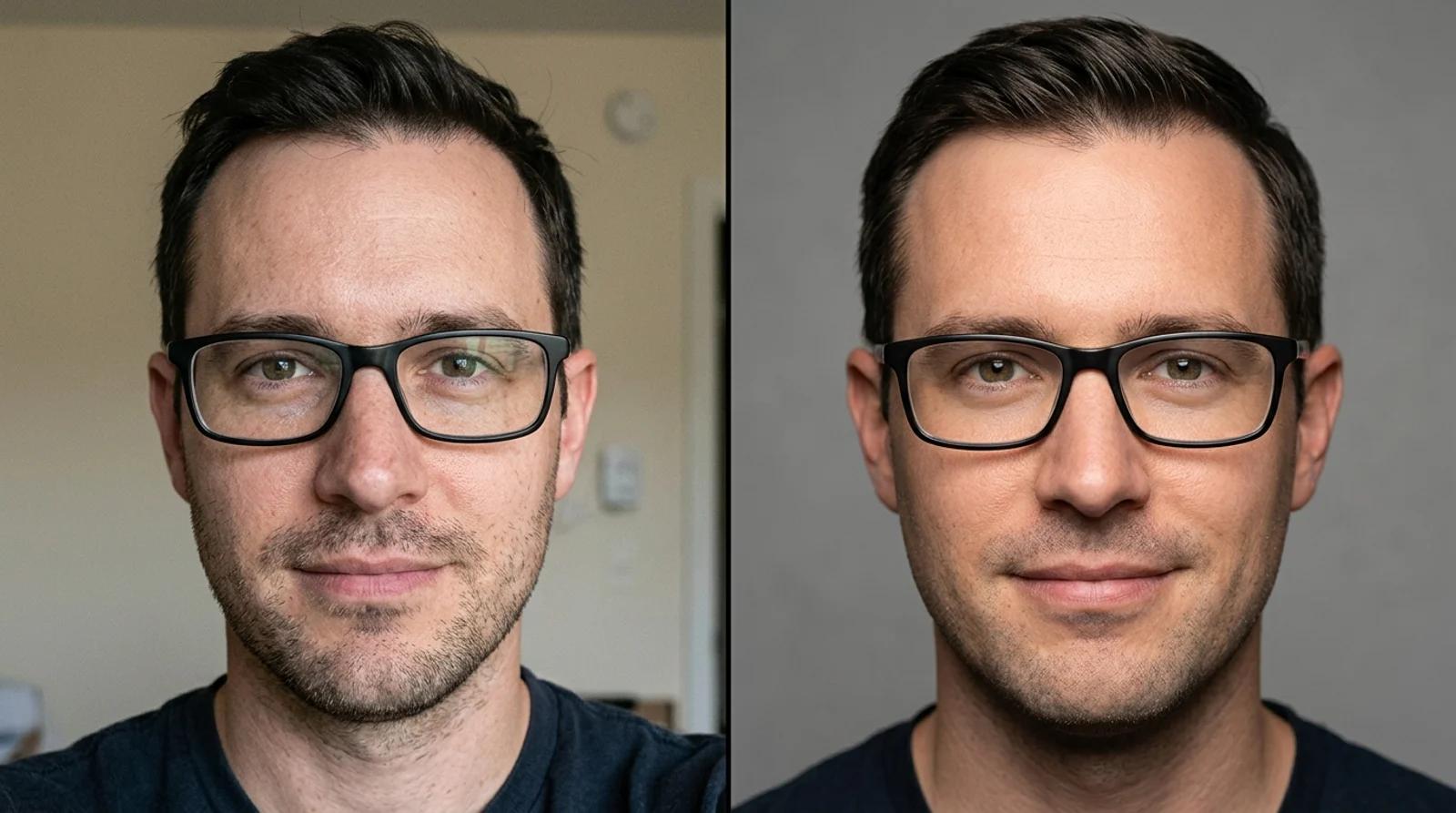
If a feature drifts, regenerate rather than settle. Each run varies a little, and the second or third result is often the one that nails the likeness. If every result looks waxy, the fix is almost always a sharper, better-lit source selfie, not more attempts.
The portraits that get flagged as fake share the same tells. Most are easy to sidestep:
You want "you on your best day," not a smoother stranger. If a colleague would do a double-take, regenerate.
You can upload a selfie, pick a style, and generate a headshot on the free base model without an account. Signing in keeps your results in history so you can return to them, and removes the export watermark from the download.
No studio session needed. Start from a clean, well-lit selfie, pick the style for where you're posting, and check the result against your real face before you use it. If you only remember one thing, make it the lighting on the source photo, since that's what separates a believable headshot from a waxy one.
A practical guide to AI sketch to image: prepare pencil drawings, line art, or screenshots, write prompts that respect your lines, and fix the common failures.
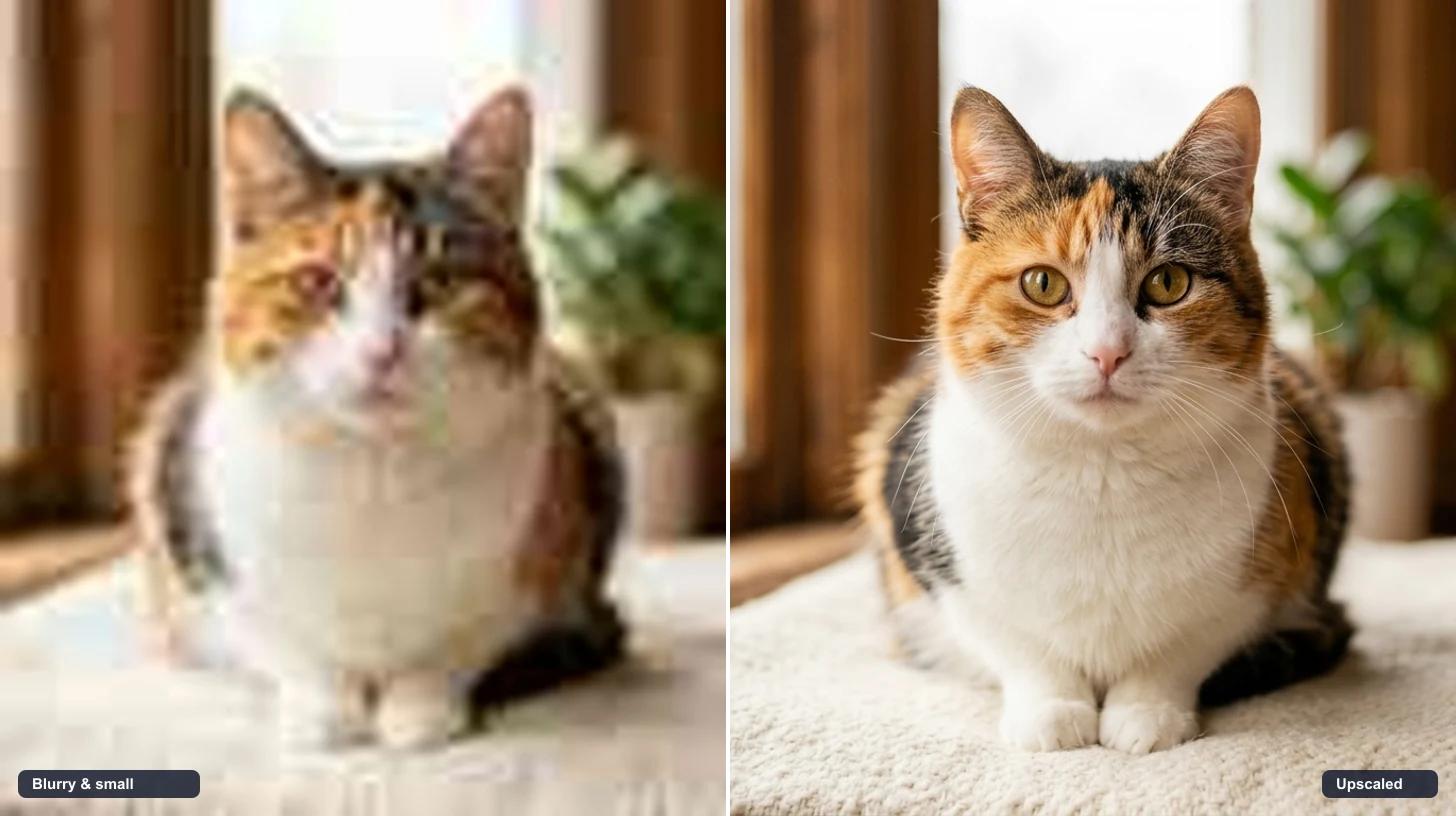
A practical guide to upscale an image with AI for free. Make blurry, pixelated, or compressed photos look sharp and high-resolution for product pages, prints, and social.
An honest comparison of the best AI video generators in 2026, including Veo 3.1, Kling 3.0, Runway, Wan 2.7, and Hailuo 2.3, with guidance on which model to use for product, portrait, social, and cinematic clips inside Inkfox AI.
Newsletter
Subscribe to our newsletter for the latest news and updates