Buying sunglasses online has one stubborn problem: you can't see them on your face. The model on the product page has cheekbones from a different tax bracket. The little try-on widgets some stores ship slap a flat PNG over your webcam feed, and it slides off your nose the second you tilt your head.
So when I needed a new pair last week, I tried something different. Instead of ordering three frames and returning two, I uploaded one photo of myself to an AI sunglasses try-on and previewed all of them in a couple of minutes. Here's the honest walkthrough.

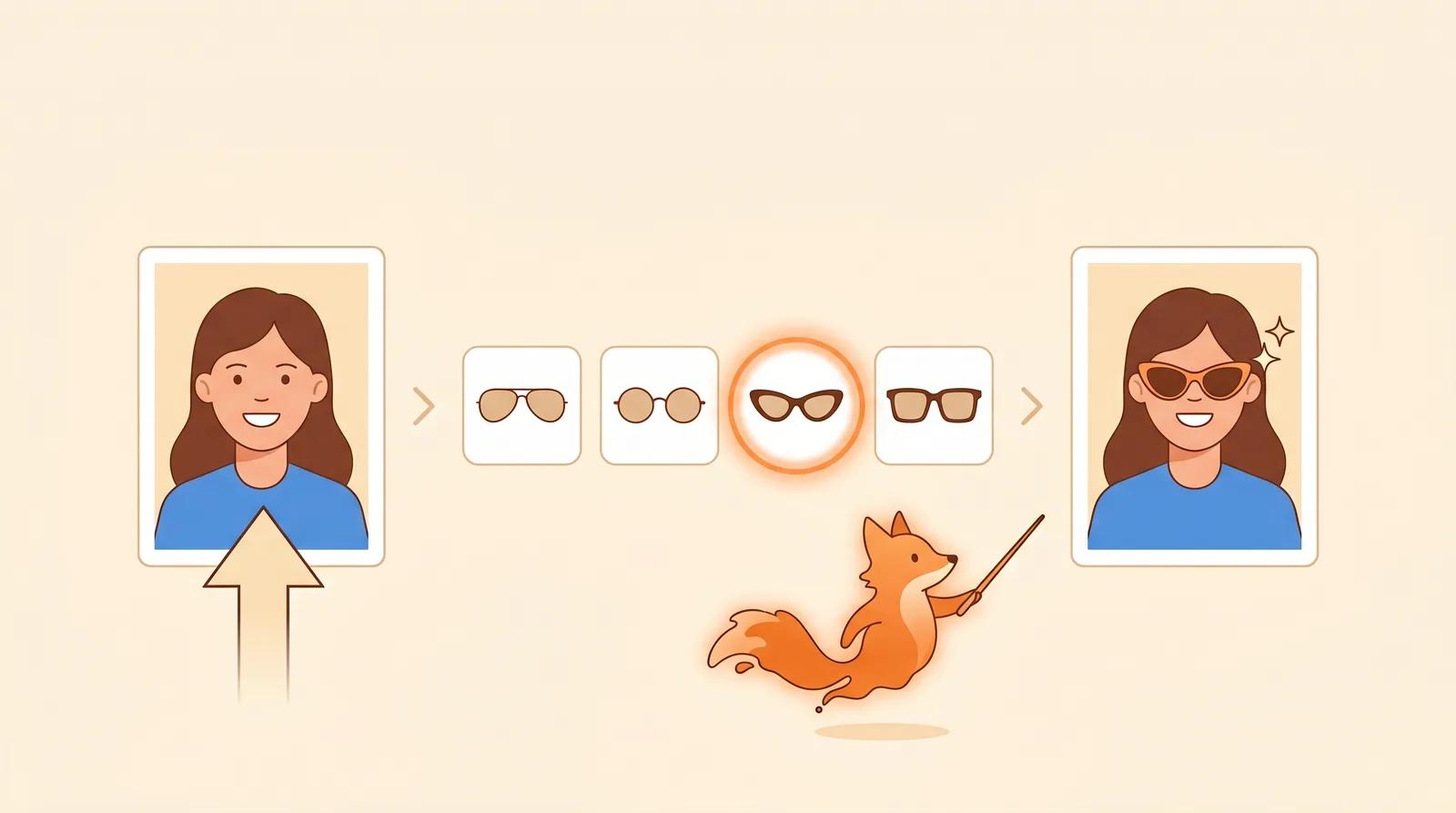
You upload one portrait. You pick a frame style. You get back a photo of yourself wearing it that still looks like your face: same skin, same lighting, same eye line, with the frame sitting where a frame should sit and casting a real shadow. No webcam dance, no account, no measuring your pupillary distance.
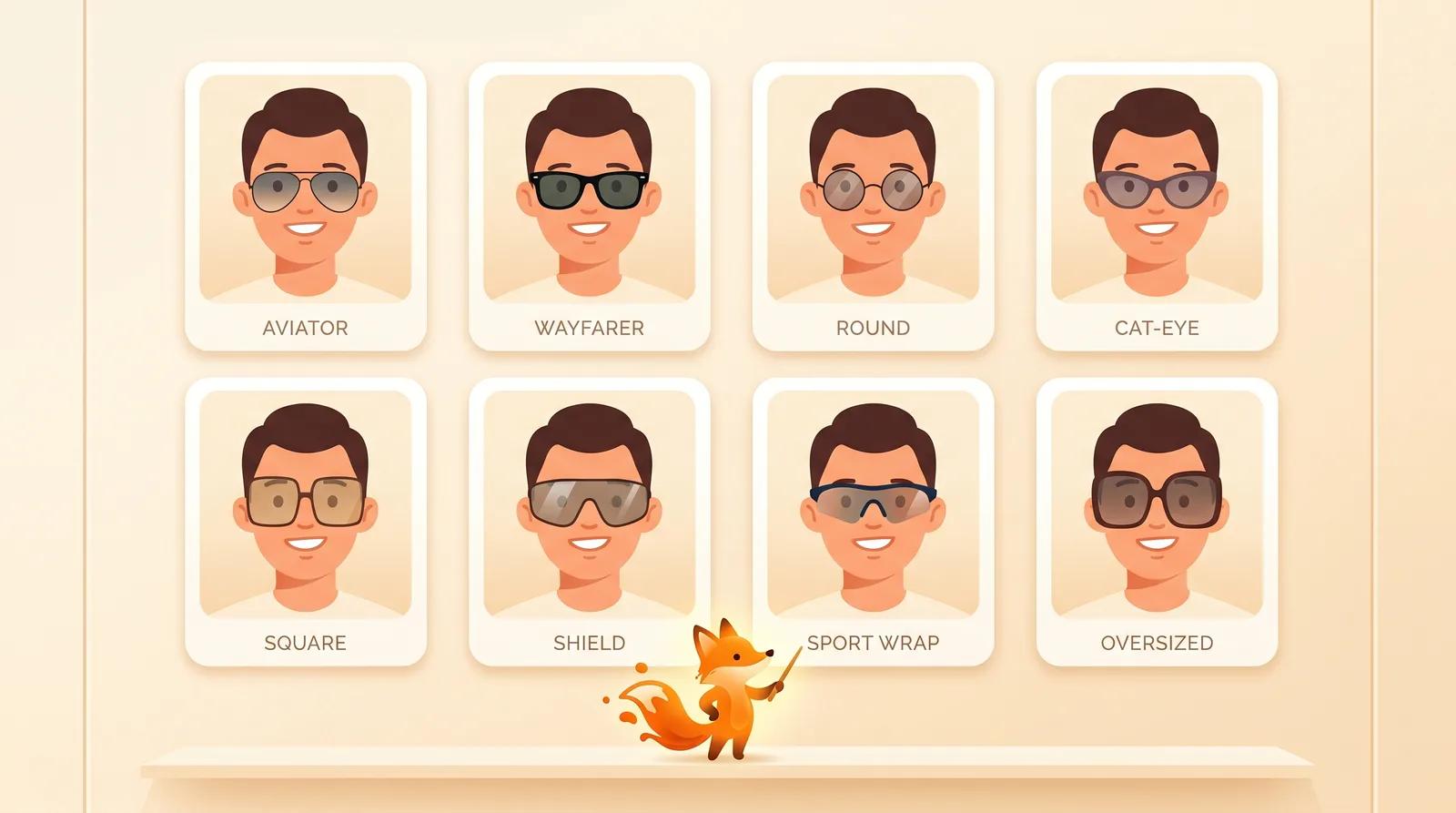
The tool ships eight frame styles, and the interesting part is how cleanly they map onto the face-shape advice opticians have given for decades:
- Aviator and Wayfarer for the safe, goes-with-everything look
- Round to soften a square or angular face
- Cat-eye to lift a rounder face
- Square and Shield when you want the frame to be the statement
- Sport wrap for the gym-and-driving crowd
- Oversized for when subtlety is not the goal
I went in assuming I was a Wayfarer guy. Three frames later I was clearly an Aviator guy, which is the kind of thing you only learn by seeing it on your own face instead of imagining it.
The detail that sold me: when I switched to the round frames, the tint changed how my eyes read through them, and the temple arms cast a faint shadow along my cheek. That shadow is the tell. Cheap overlays never get it, because they don't understand that your face is a 3D thing being lit from somewhere.
I don't want to oversell this. It isn't magic, it's a careful image edit. The tool takes your portrait and the reference frame and keeps your identity, eye direction, skin texture, and lighting fixed while compositing the glasses in with a realistic fit, shadow, and lens tint.
The reason it holds up is that it treats "preserve the face" as the hard constraint and "add the glasses" as the variable. A lot of AI image tools do the opposite, regenerate everything, and you come out looking like your own cousin. Here, the photo of you stays the photo of you.
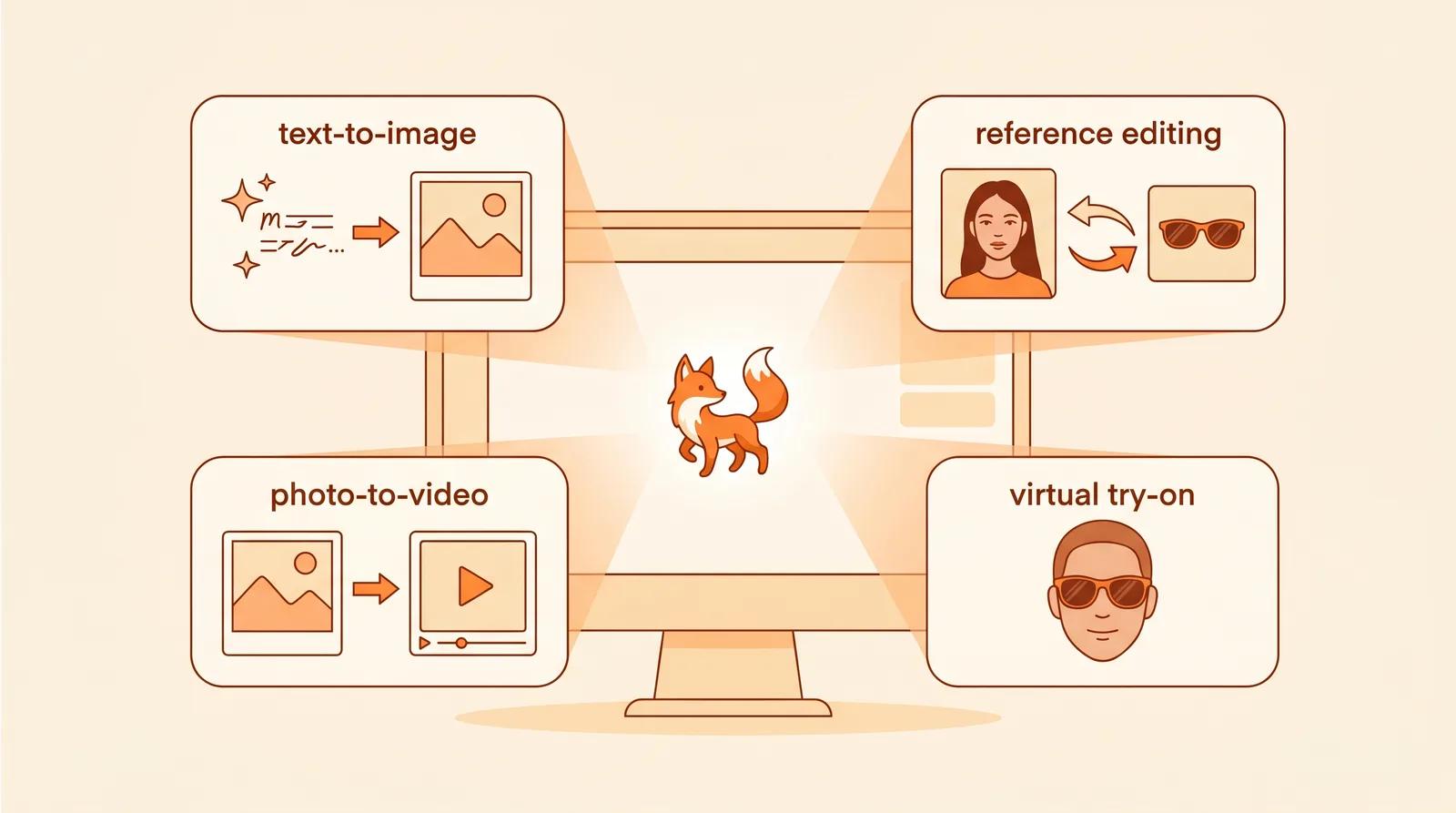
Once I realized the try-on was one preset of a bigger image engine, I poked at the rest of Inkfox. The sunglasses tool turned out to be one room in a much larger house:
- Text-to-image generation when you're starting from a prompt
- Reference-based editing, the same keep-this-change-that trick I saw with the glasses, but general purpose
- Photo-to-video, which animates a still into a short clip
- A whole family of try-on scenes beyond sunglasses
You get free credits to try generation without entering a card, which is why I never hit a paywall during all my frame-swapping.
A few things I'd want a friend to know before I sent them the link:
- It works best with a clear, front-facing portrait. Hand it a blurry group photo and it has nothing to anchor to.
- The video generation is short clips only right now.
- There's a quick human-verification step on the generate button because the free tier gets hammered by bots. It's a speed bump, not a wall.
- It's a styling preview, not an optician. It won't measure your bridge width or confirm UV rating, so check the real specs with the seller before you pay.
None of that changed my conclusion: this is the first time virtual try-on stopped feeling like a gimmick and started feeling like something I'd actually open before buying frames.
If you've ever stared at a sunglasses product page wondering whether the frames would work on you, this answers it in about two minutes. Upload one good photo, try all eight frames, and see which version of you you've been all along. Mine was the Aviator. I did not see that coming.
Try the free sunglasses try-on →