How to Animate a Logo With AI: 4 Practical Motion Recipes
Animate a static logo with AI using four practical motion recipes, source-file preparation, identity-lock prompts, frame-by-frame checks, and export tips.
A static logo works on a business card. In a Reel, presentation opener, website loader, or product video, it can feel like the only element that never moves.
The answer is not to make it explode into particles. A useful logo animation adds one controlled movement while keeping the mark recognizable. The silhouette, letterforms, spacing, proportions, and brand colors should still belong to the approved logo in every important frame.
This guide shows how to prepare the source, choose a motion style, create a baseline with the Inkfox AI Logo Animator, and review the result before it reaches a customer.
AI video can add movement, but it is not a substitute for a clean master file. A compressed thumbnail with cropped edges gives the model an ambiguous reference. That ambiguity often reappears as flickering lines, changing letters, or a logo that slowly becomes a different logo.
Run this source check first:
Check
Ready to animate
Fix before continuing
Resolution
Edges remain crisp at normal viewing size
Find the original export instead of upscaling a chat thumbnail
Clear space
Even padding surrounds the full mark
Expand the canvas so motion does not collide with an edge
Background
Transparent or one clean, flat color
Remove texture, shadows, and unrelated objects
Typography
Wordmark is legible and not extremely small
Animate the symbol separately if the type is too delicate
Version
File matches the currently approved brand mark
Confirm the master before creating derivatives
Transparent PNG or a logo on a plain background is the safest starting point. Complex gradients, hairline strokes, tiny taglines, and dense lockups need more conservative motion. If the logo has both a symbol and a long wordmark, test the symbol by itself as well as the combined lockup.
The placement decides the animation. A presentation opener needs a clean finish. A website loader needs a quiet loop. A social bumper can take a little more energy, but it still has to read at phone size.
Motion
Best for
Keep it restrained when
Smooth reveal
Presentation openers and premium brand intros
The logo has thin lines or a long wordmark
Build-in reveal
Product launches and channel idents
Parts must assemble in a specific order
Pulse or glow
Social bumpers, music, and fitness content
Brand colors must not shift
Seamless loop
Website loaders, booth screens, and idle displays
Opening and closing frames must match
Choose one row before you generate. Combining a camera orbit, particle burst, pulse, glow, and morph in the same clip makes it harder to see which effect damaged the logo.
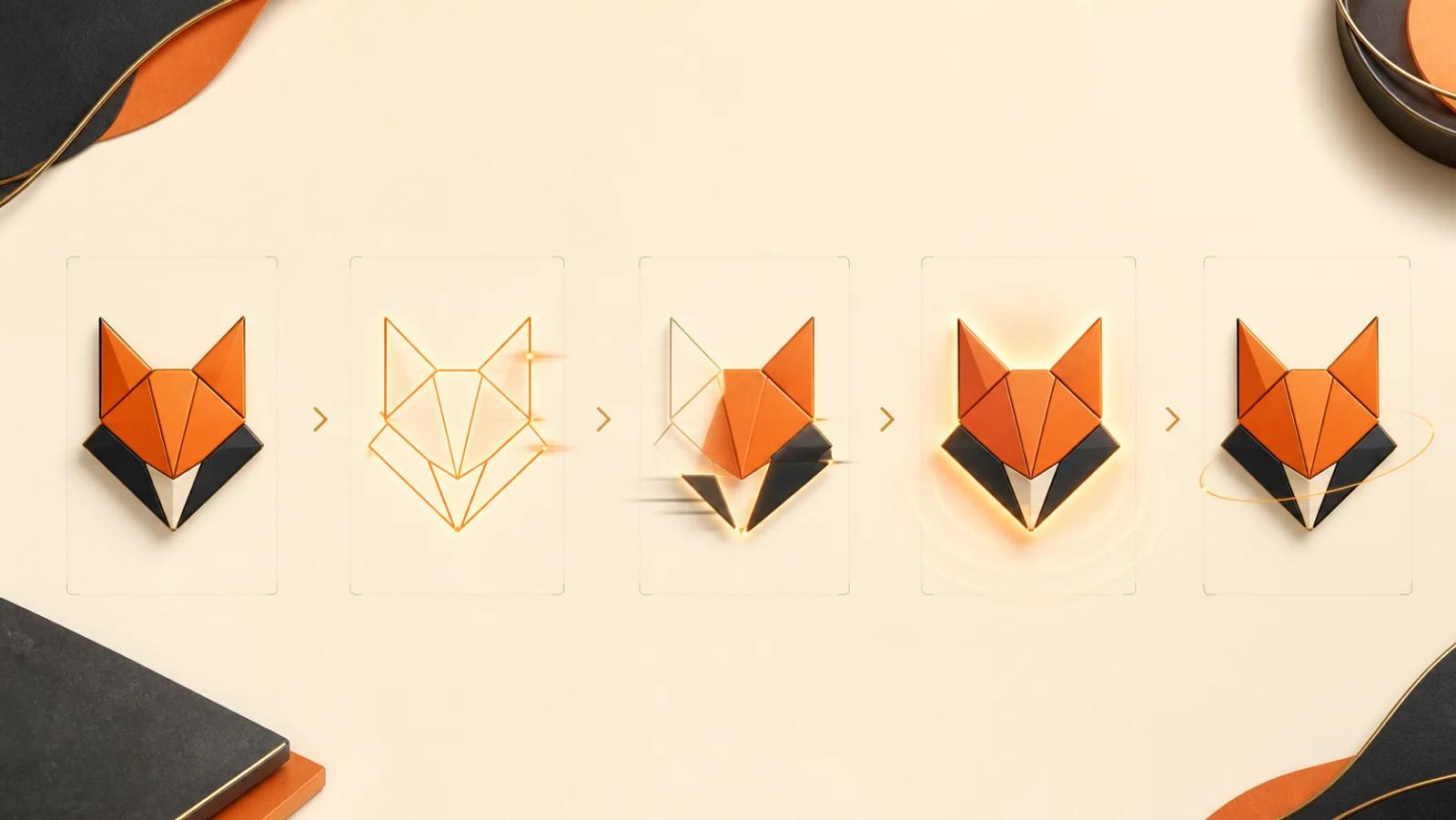
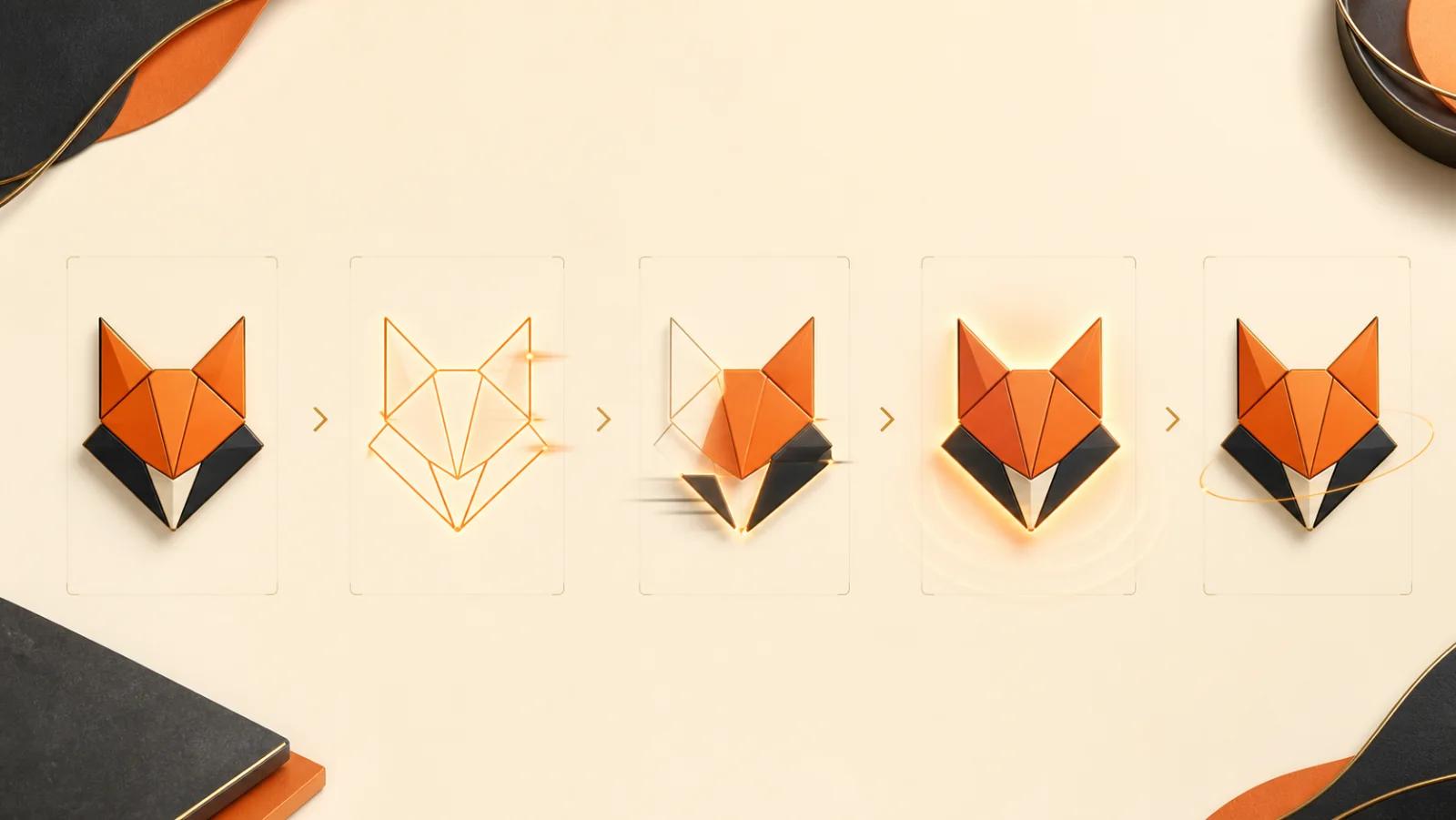
Open the AI Logo Animator, upload the approved source, and select the preset closest to the intended placement. Inkfox provides four practical directions: Smooth reveal, Reveal, Pulse, and Loop.
Generate the first result without adding extra instructions. Save three things together:
the exact source file;
the selected preset;
the resulting clip.
That is your baseline. Every later version should change one variable from it. If version two is better, you will know why.
The preset is enough for a first pass. When you need tighter control, open the full image-to-video workspace and use a prompt that locks the brand attributes as firmly as it describes the movement.
Reveal the logo with a clean, controlled fade and line-draw motion.Keep the exact silhouette, letterforms, spacing, proportions, and brandcolors unchanged. Use a static camera, add no new text, and finish on aclear hold of the original logo.
Use this for a title slide, case-study opener, or premium product intro. The clean hold at the end gives an editor a stable point to cut away from.
Assemble the logo from its existing parts in a simple, logical order.Do not invent, split, stretch, or redesign any element. Keep the originalletterforms and spacing fixed. End on the exact source composition witha one-second hold.
This works best when the logo already has distinct components. Do not ask the model to invent how a single complicated wordmark is constructed.
Add one restrained pulse and a soft light accent around the logo.Keep the mark itself fixed in shape, color, and position. No camera move,no extra symbols, no new text, and no repeated aggressive scaling.
One pulse reads as emphasis. Continuous scaling can feel like a broken button state and may make fine edges wobble.
Create a subtle seamless idle loop using a gentle shimmer or very smallfloating motion. Keep the logo geometry and typography unchanged. Matchthe final frame to the opening frame so the loop does not jump.
Use a small motion range. The farther the logo travels, rotates, or changes brightness, the harder it is to return to the opening frame without a visible jump.
Do not generate ten unrelated ideas. Make three versions that answer one decision:
A: slow reveal;
B: the same reveal at a faster pace;
C: the original pace with less motion.
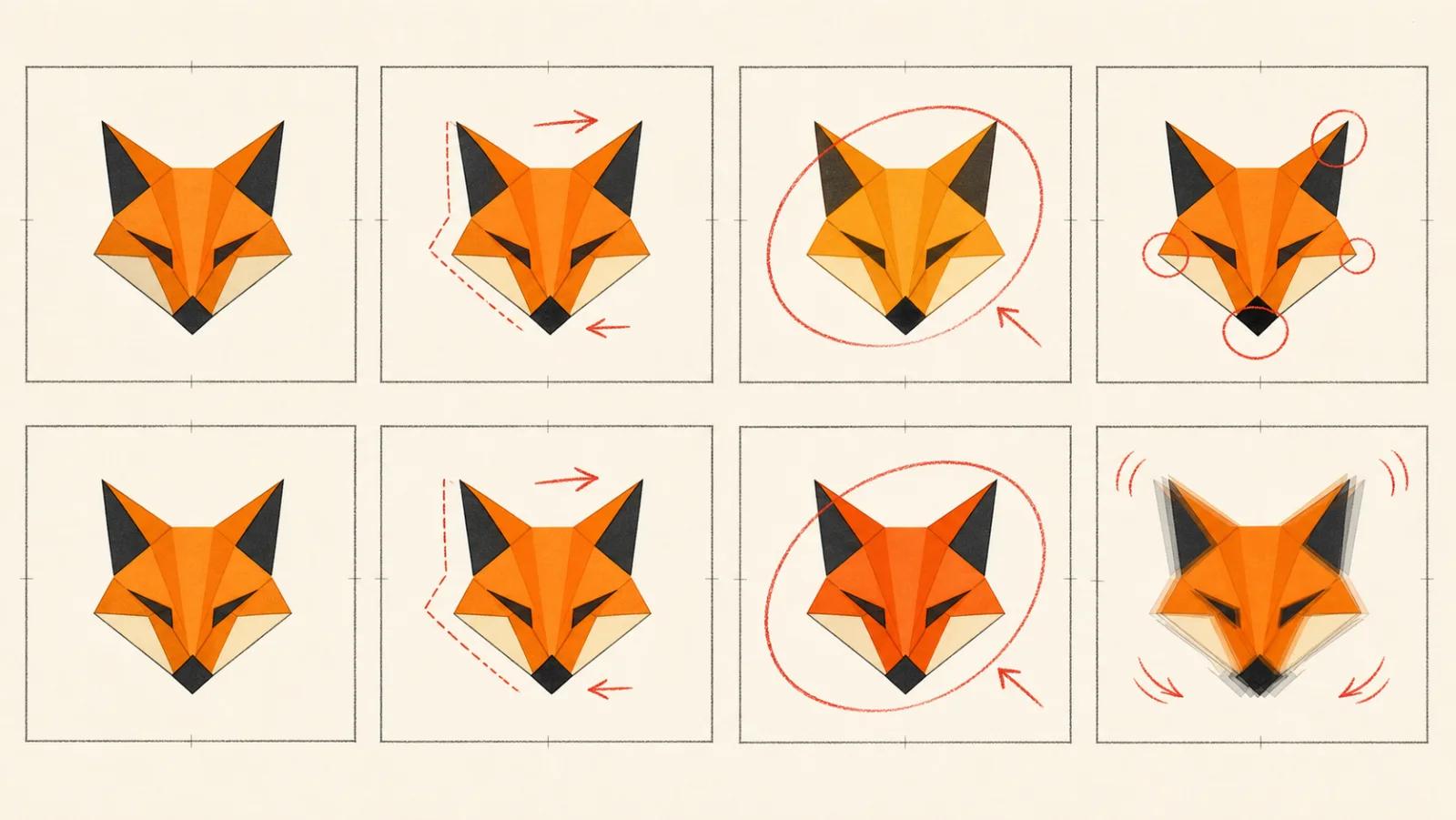
Review them using the same scorecard:
Check
A
B
C
Logo is readable immediately
Letterforms remain unchanged
Brand colors remain stable
Final frame is usable
Motion fits the placement
This is a real A/B/C test because only one variable changes at a time. If all three drift in the same place, fix the source or simplify the motion instead of generating more random variants.
Reduce motion, lock letterforms explicitly, or animate the symbol separately
Logo changes color
Remove glow first, specify unchanged brand colors, and use a plain background
Extra text appears
Add “no new text, captions, letters, or symbols”
Animation feels cheap
Remove particles, camera moves, and secondary effects; keep one motion idea
Loop jumps
Match opening and final frames and reduce the motion range
Fine details flicker
Use a larger, cleaner source or simplify the animated lockup
Final frame never settles
Request a clean one-second hold on the original logo
When the model keeps failing on the same tiny tagline, that is useful information. Create a motion version of the symbol and add the approved wordmark later in your video editor instead of asking a generative model to redraw exact typography for every frame.
Favor slow motion that survives repetition. An effect that looks exciting once can become exhausting after twenty cycles.
Check the actual downloaded file before committing it to a layout. Do not assume every export has a transparent alpha channel or the exact background treatment your destination requires.
a strict brand system allows no letterform or geometry drift;
the mark contains complex typography that must remain exact;
the deliverable requires editable vector keyframes;
a broadcaster needs exact frame timing or technical specifications;
the project needs a complete motion-identity system, not one short clip.
In those cases, use the best AI result to communicate timing and feel, then rebuild it in a timeline-based motion tool from the approved vector artwork.