

Seedance 2 Mini: Make Your First Product Video on a Small Budget
Learn how to make a five-second product video with Seedance 2 Mini in Inkfox AI, write a controlled motion prompt, and choose when to move up to Fast, Standard, or 2.5.

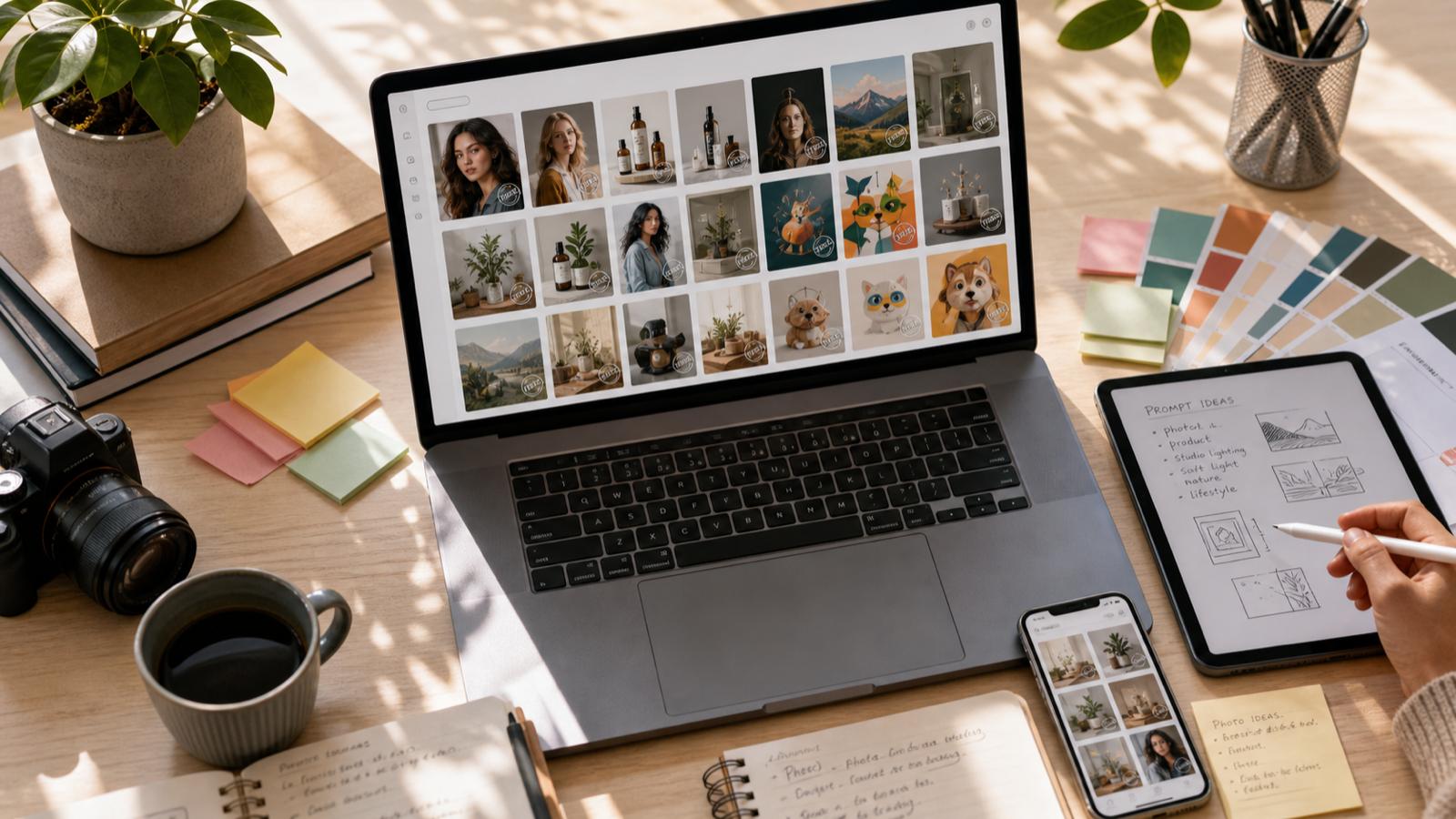
A practical guide to free AI image generators, what free really means, and how Inkfox AI fits when you need unlimited drafts plus premium model upgrades.
Free AI image generators are easy to find and hard to compare. Some give you a few trial credits. Some hide downloads behind a paywall. Some are fast but generic. Some make beautiful images, then limit the models you can actually test.
Inkfox AI takes a different path: the base Inkfox AI model is free for unlimited watermarked generations, and premium models such as Nano Banana 2.0, GPT Image 2.0, Flux, SDXL, and Grok Imagine are available when a project needs stronger output or cleaner exports.
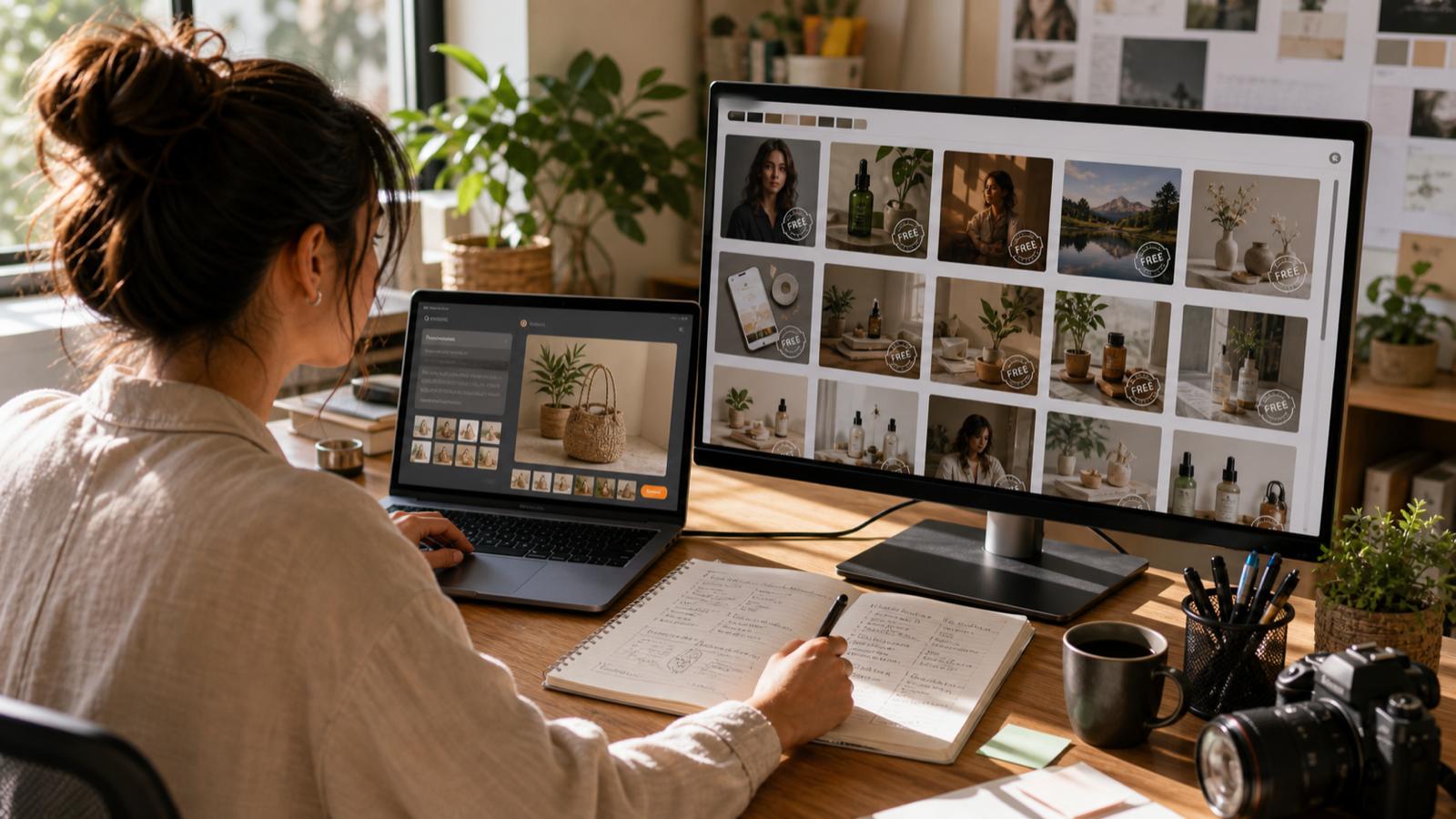
Before comparing tools, check what the free plan actually gives you.
| Free model type | What it means | Best for |
|---|---|---|
| Trial credits | A small one-time allowance | Testing whether the tool is worth learning |
| Daily credits | A recurring but capped allowance | Light personal use and occasional social posts |
| Watermarked unlimited use | Generate freely, export includes a watermark | Ideation, prompt testing, first drafts, internal review |
| Feature-limited free plan | Core generation works, advanced tools cost extra | Casual users who do not need clean production exports |
The best free AI image generator depends on where you are in the creative process. If you are still exploring, unlimited drafts matter more than perfect exports. If you are shipping an ad, product page, or client asset, clean output and stronger models matter more.
The free Inkfox AI model is useful because it removes the pressure from the earliest part of the workflow. You can test composition, prompt language, subject framing, and style direction without spending credits on every experiment.
Use the free model for:
When the direction is clear, move the same idea into a premium model for a cleaner final image.
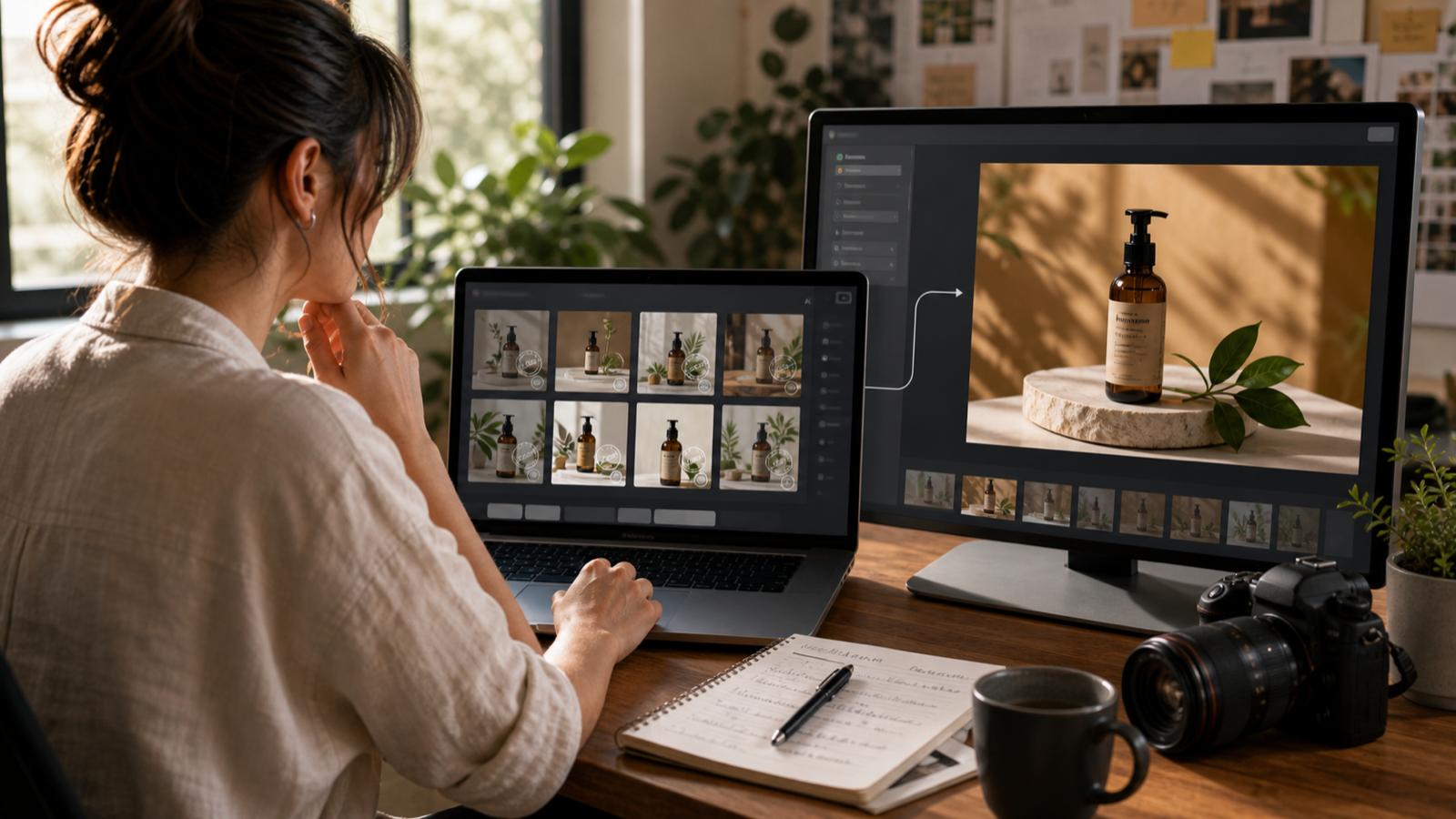
Premium models are best used after the idea is no longer vague. Inkfox AI lets you switch models in one workspace, so the workflow is less about starting over and more about routing the job.
| Need | Model direction to try |
|---|---|
| Product realism | GPT Image 2.0 or Flux |
| Strong social concepts | Nano Banana 2.0 or Grok Imagine |
| Polished lifestyle imagery | Flux |
| Repeatable illustration or poster styles | SDXL |
| Fast prompt exploration | Inkfox AI base model |
This is the main difference between a one-model image generator and a creative workspace. You can use the free model to find the brief, then use model choice to finish the asset.
Good prompts are specific, but they do not need to be long. Start with four pieces:
Example:
Square social post for a new productivity app, a glowing fox made of ink sitting beside a laptop, clean desk, warm studio light, modern startup brand, high contrast, no text, no logo.
For product images:
4:5 paid social ad for black wireless headphones, premium studio photography, soft side light, warm gray background, realistic material detail, clean shadow, no text, no logo changes.
These prompts tell the model what the image must do, not just how it should feel.
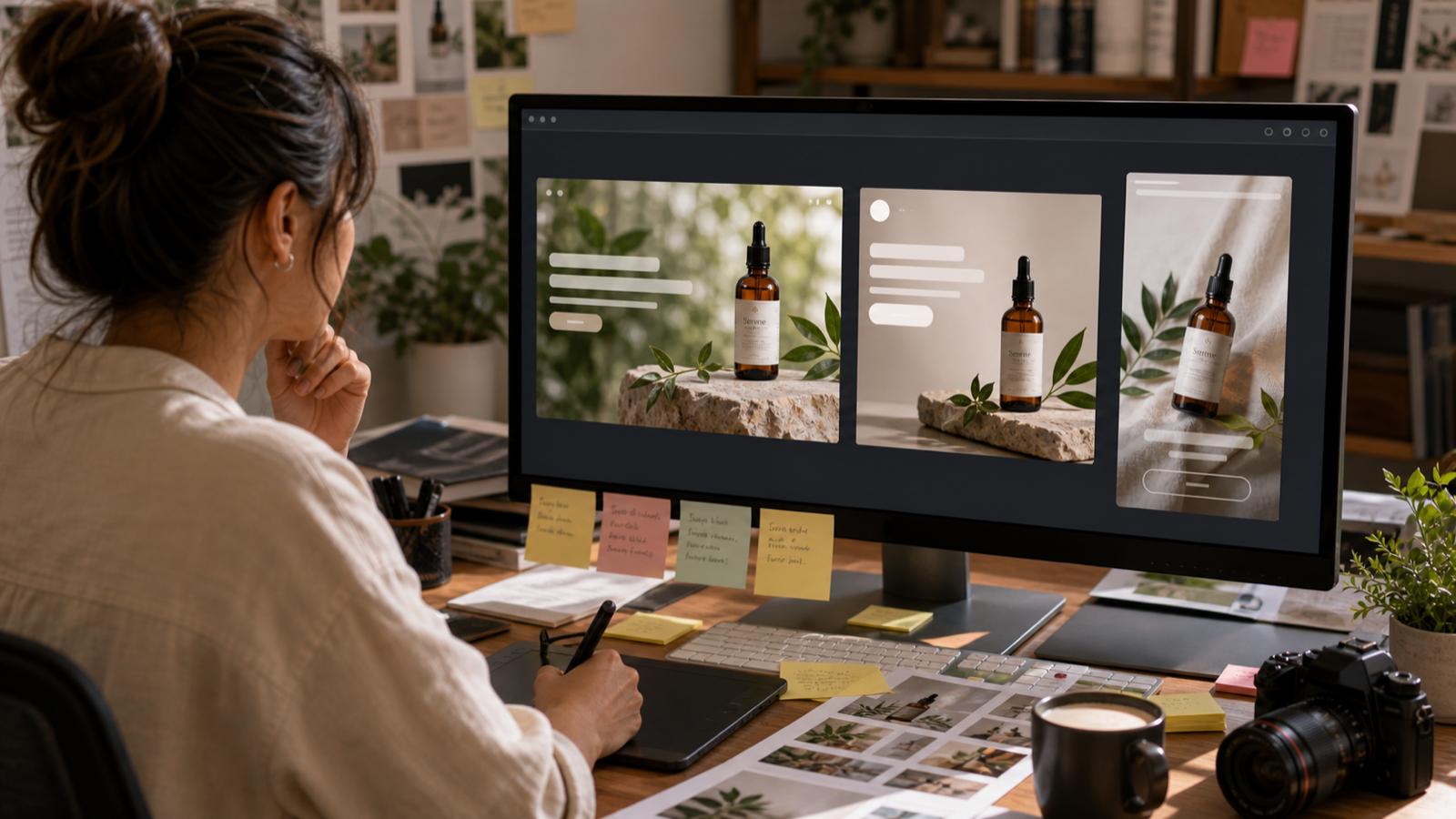
Do not only ask "does it look cool?" Ask whether it can survive the next production step.
Check:
If the answer is no, revise the prompt before paying for a final pass.
Use free generation for exploration. Use paid credits when the output has a job that affects the public brand: ad creative, ecommerce visuals, website heroes, client work, sales decks, or final social campaign assets.
That split keeps the process efficient. You do not burn credits on vague directions, and you do not ship rough drafts when the image needs to represent a brand.
Start with Inkfox AI text to image if you have a prompt. Browse AI tools if you need editing, background removal, upscaling, or downstream video workflows after the image is ready. Check pricing when you need clean exports or higher-volume premium model work.
The best free option depends on the stage. Inkfox AI is useful when you want unlimited watermarked drafts, prompt testing, and a path to premium models in the same workspace.
Inkfox AI supports unlimited free generations with the base model, with watermarked outputs. Premium models and clean export workflows use credits.
Use free generation to test composition first. For final product visuals, switch to premium models such as GPT Image 2.0 or Flux and inspect product details carefully.
Many do. Inkfox AI's free base model uses watermarked outputs, which are useful for drafts and internal review. Use premium credits when you need clean final exports.
Learn how to make a five-second product video with Seedance 2 Mini in Inkfox AI, write a controlled motion prompt, and choose when to move up to Fast, Standard, or 2.5.
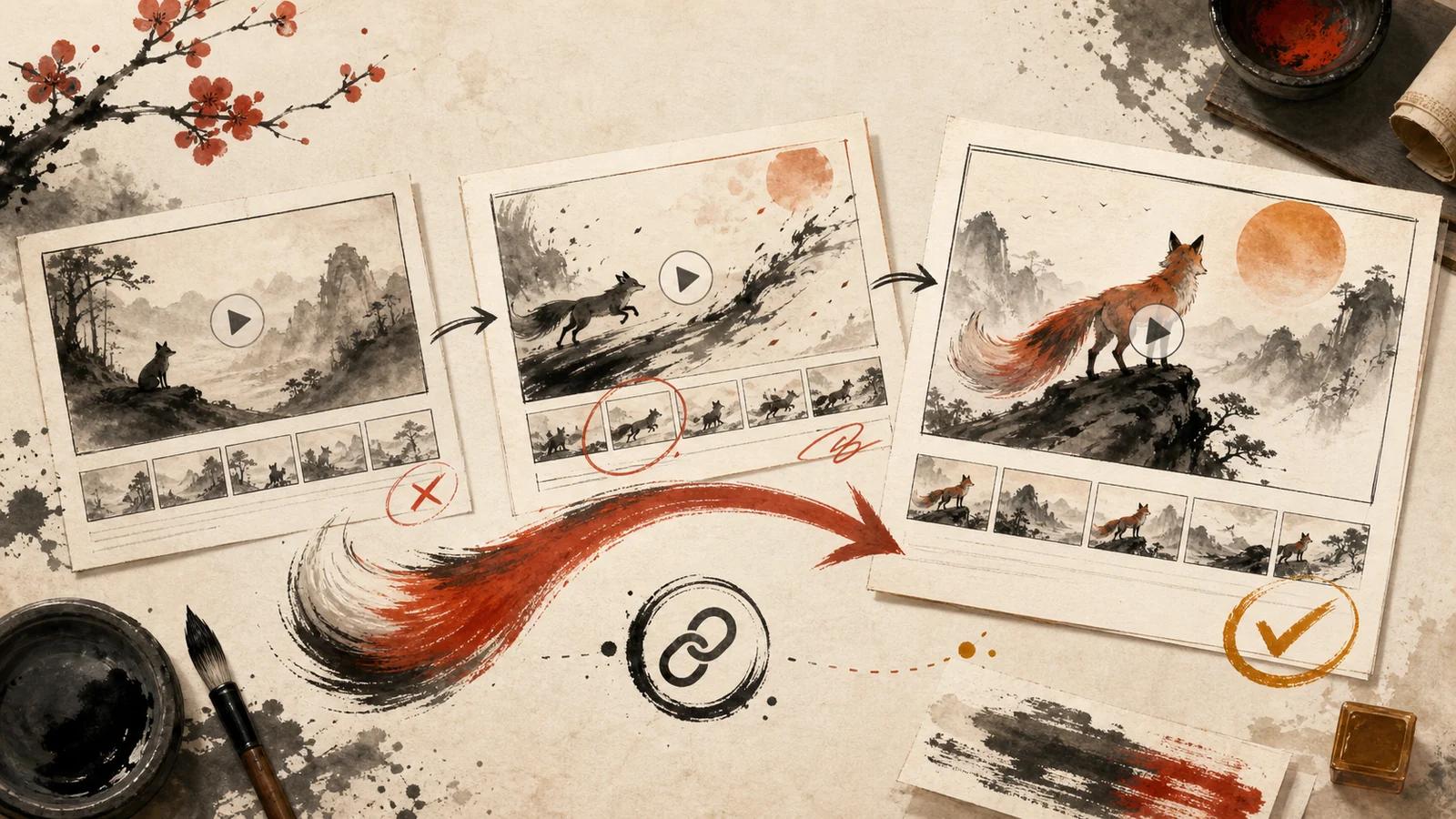
A practical review workflow for AI image-to-video creators: prepare a focused draft, share it as a link, collect useful notes, and keep revisions organized.
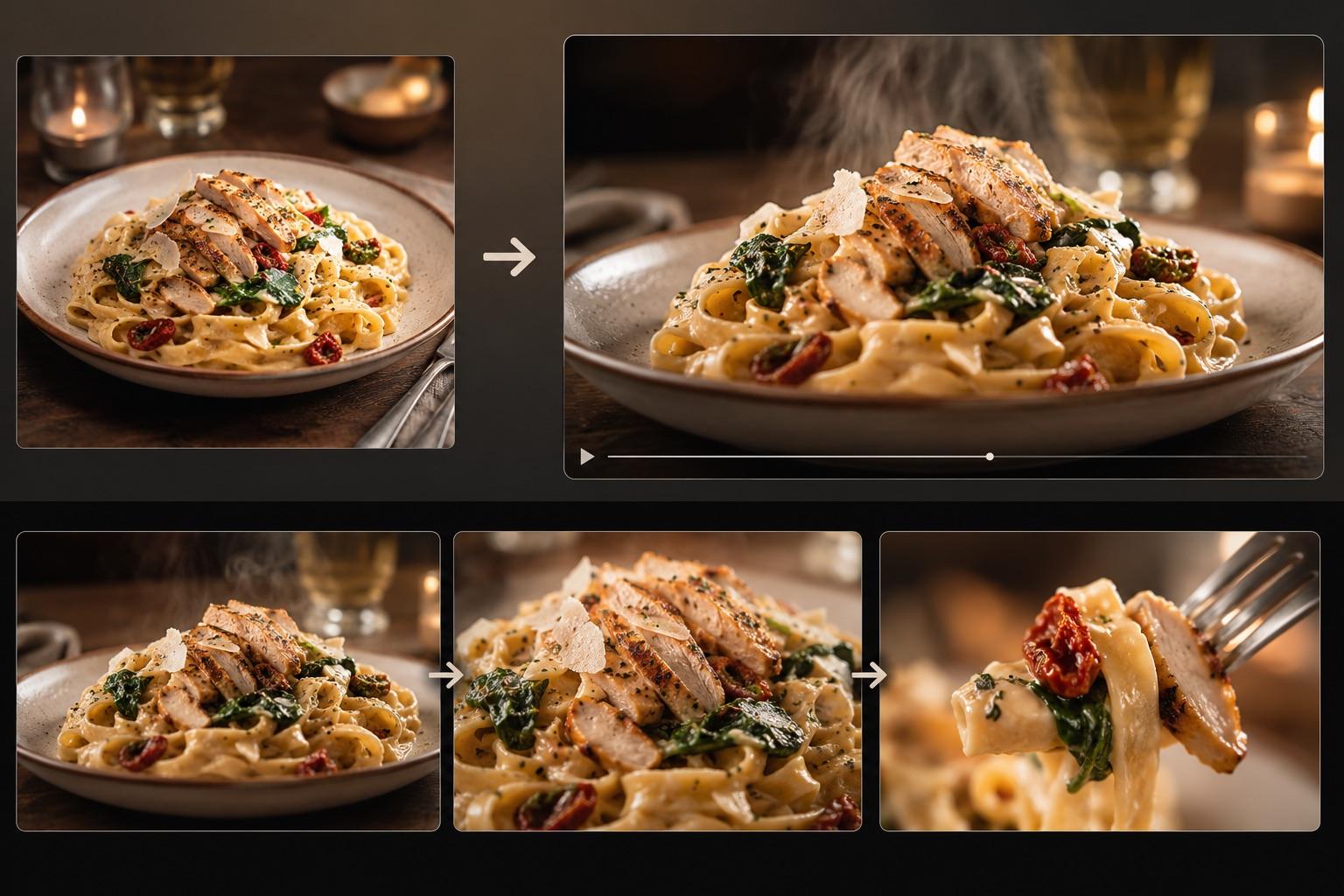
Turn one dish photo into a realistic food video with controlled motion prompts, a three-shot storyboard, failure fixes, and an export checklist.
Newsletter
Subscribe to our newsletter for the latest news and updates