
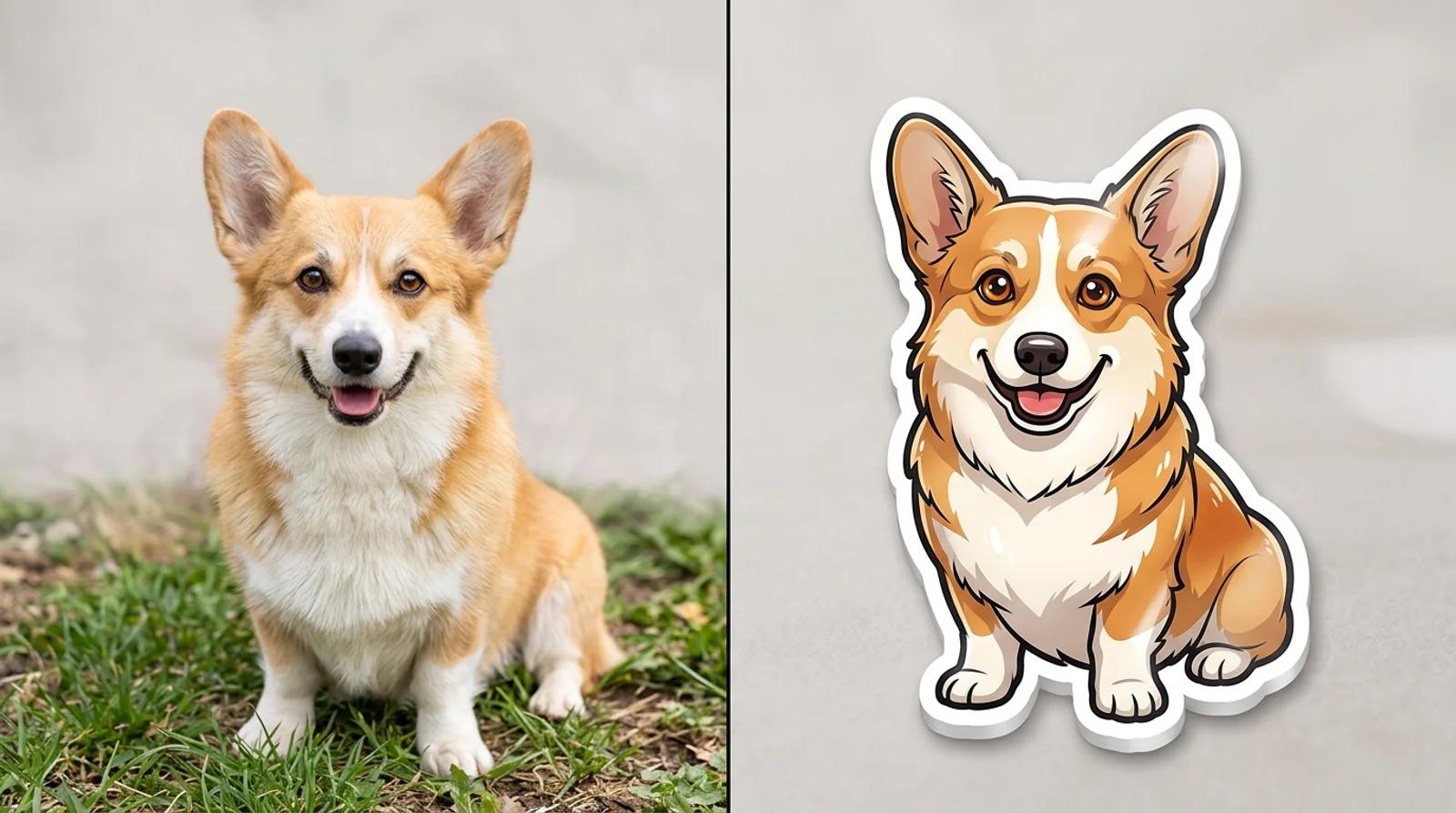
How to Turn a Photo Into a Sticker With AI (Free Die-Cut Stickers)
Learn how to turn a photo into a sticker with free AI. Pick a style, upload a pet or face, and get a die-cut sticker with a bold white border for chat packs and print.

Learn how to make a five-second product video with Seedance 2 Mini in Inkfox AI, write a controlled motion prompt, and choose when to move up to Fast, Standard, or 2.5.
A product video does not need to begin with a long, high-resolution render. First ask a simpler question: does the motion idea work?
Seedance 2 Mini is a lower-cost way to find out. As of October 23, 2026, a five-second, 480p Mini generation without a reference video costs 19 Inkfox credits per output clip. Two single-output drafts cost 38 credits, so you can test and revise a shot before choosing a higher resolution or tier. Multiple outputs increase the total; always check the live quote.
This guide shows a product-first workflow. The images below are planning illustrations, not frames from a Seedance 2 Mini test.
Mini is useful when motion direction matters more than finishing resolution. Inkfox offers 5, 10, or 15 seconds at 480p or 720p. You can start with a first frame, first and last frames, or multimodal references. For a text-only idea, use text to video and select 2.0 Mini. A Generate Audio switch adds sound when needed.
Use the lower starting price to make one decision at a time:
Small lettering, logos, reflections, and thin geometry can still drift. Treat the draft as a motion test and inspect every frame before using it in an advertisement.
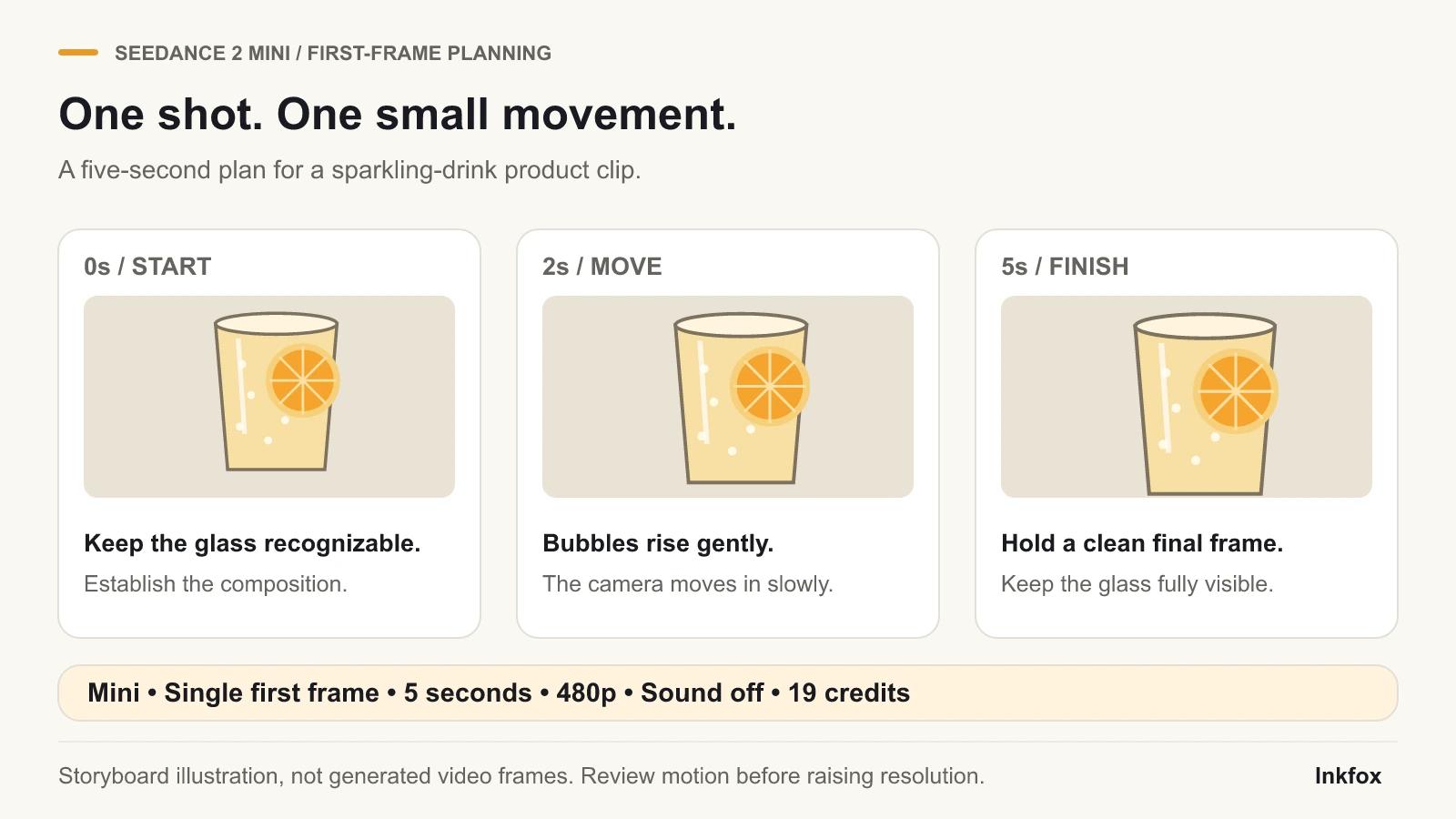
Planning illustration for a five-second shot; it is not a Seedance 2 Mini output frame.
Five seconds is enough for one product action and one camera action. Avoid packing in a reveal, spin, splash, three cuts, and a title.
Write the prompt in four parts:
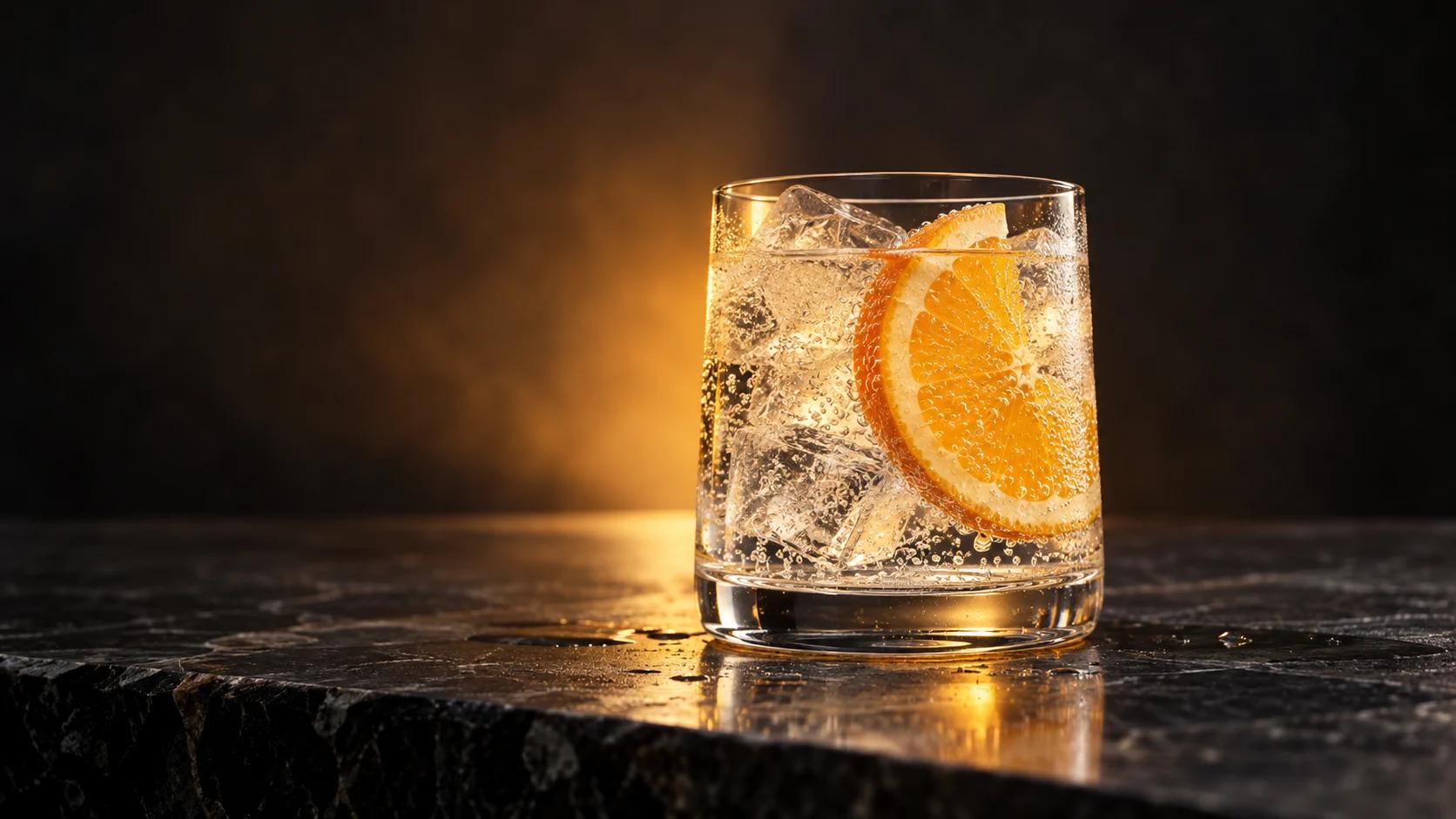
For the drink idea pictured here: keep the glass centered, raise bubbles slowly, push the camera forward, and preserve the glass shape and citrus slice. That gives the model a more specific brief than “make a dynamic cinematic commercial.”
Use the uploaded drink photo as the first frame. A clear tumbler of sparkling citrus water stands centered on a dark stone counter. Fine bubbles rise slowly inside the glass and condensation droplets catch the light. The camera makes a very slow push-in. Keep the glass shape, ice, citrus slice, background, and warm amber lighting recognizable. No new objects, no scene cut, no text added to the frame.
A matte-black wireless-earbud case sits on a simple studio turntable. The turntable rotates the case gently by about 20 degrees while the camera remains locked. Keep the case proportions, hinge, logo position, surface texture, and soft gray background stable. Use smooth restrained motion with no morphing, no extra products, and no camera shake.
A glass skincare serum bottle stands upright against a warm cream background. A narrow band of light moves slowly across the glass while the camera performs a subtle left-to-right slide. Keep the bottle silhouette, dropper, liquid color, label area, and shadows consistent. No hands, no splashes, no new props, and no sudden zoom.
Prompts cannot guarantee an exact camera path, perfect lettering, or identical geometry. Add exact packaging text during editing.
A sensible first budget is 19 + 19 = 38 credits: one draft and one focused revision. Change only the weakest instruction between attempts.
If the motion works, a five-second 720p Mini generation without a reference video currently costs 41 credits. This starts a new generation; it does not preserve the 480p result's exact motion or frames.
Seedance separates its image and reference workflows:
These modes are mutually exclusive. Do not combine first or last frames with multimodal references. Inkfox currently offers generated sound through Generate Audio, but no reference-audio upload.
A reference video changes the quote because billing considers its duration plus the requested output duration. Check the live quote before generating.
Check the selected Seedance version rather than relying on the page default. For one five-second output at 480p without a reference video, current quotes are 19 credits for Mini, 59 for Fast, 95 for Standard, and 140 for 2.5.
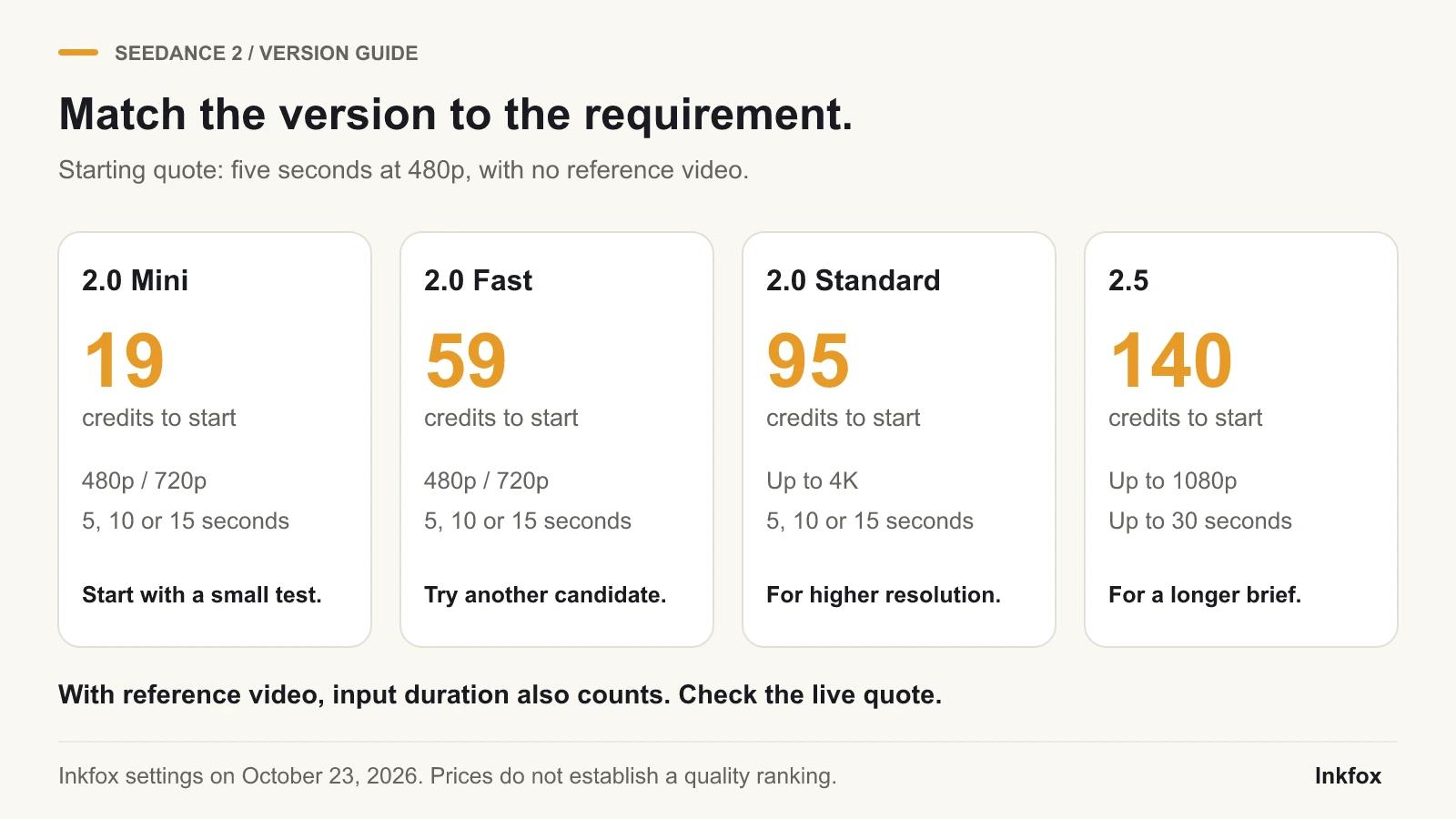
Version and price illustration based on the current Inkfox options; it is not a quality ranking or a Mini test result.
| Version | Current 5s 480p quote | Maximum available specification in Inkfox | Choose it when... |
|---|---|---|---|
| 2.0 Mini | 19 credits | 15 seconds, 720p | You are testing motion, pacing, or several prompt directions on a small budget |
| 2.0 Fast | 59 credits | 15 seconds, 720p | You want the Fast route used by Inkfox's existing saved examples or need another Seedance interpretation |
| 2.0 Standard | 95 credits | 15 seconds, up to 4K | Resolution matters and you have already selected a promising shot direction |
| 2.5 | 140 credits | 30 seconds, up to 1080p | You need a longer sequence or a larger multimodal reference set |
Price does not guarantee a better result for every input. Keep the photo and prompt matched when comparing versions.
For multimodal reference work, Mini, Fast, and Standard accept up to nine images and three videos. Version 2.5 accepts up to 30 images and 10 videos. Use these limits only when your brief needs the additional references; they are separate from first-frame or first-and-last-frame mode.
For saved Seedance 2.0 Fast examples with their source images and prompts, read the Seedance 2.0 image-to-video guide. Those examples use Fast, not Mini.
See the provider's current pages for Seedance 2 Mini, Fast, Standard, and 2.5. Inkfox credits and controls appear in Inkfox and may differ from provider pricing or defaults.
Seedance 1.5 Pro is retired from new generation in Inkfox after its removal from the provider's active catalog. Existing history can remain visible. Use a Seedance 2 version for new work; Mini is the affordable starting point.
Mini tests subject motion, camera direction, and pacing before a higher-resolution or longer run. A higher tier creates a new result and cannot guarantee the same motion.
Choose one scenario. Use first and last frames for opening and ending targets, or multimodal mode for several style, subject, or movement references.
With reference videos, billable duration includes their combined duration plus output duration at the applicable rate. Image references do not add video seconds. Check the live quote for the total.
Leave it off for a visual motion test. Turn it on when synchronized ambience or effects matter. The switch generates audio; it does not upload a reference soundtrack.
Open the Seedance workspace and select 2.0 Mini for your first draft →
Learn how to turn a photo into a sticker with free AI. Pick a style, upload a pet or face, and get a die-cut sticker with a bold white border for chat packs and print.
A practical guide to restore old photos with AI for free. Repair scratches, fading, tears, and blur, colorize black-and-white prints, and bring faded faces back.
A practical step-by-step guide to make a logo with AI for free: pick a style, write a logo prompt, generate clean brand marks, and get a usable result.
Newsletter
Subscribe to our newsletter for the latest news and updates