
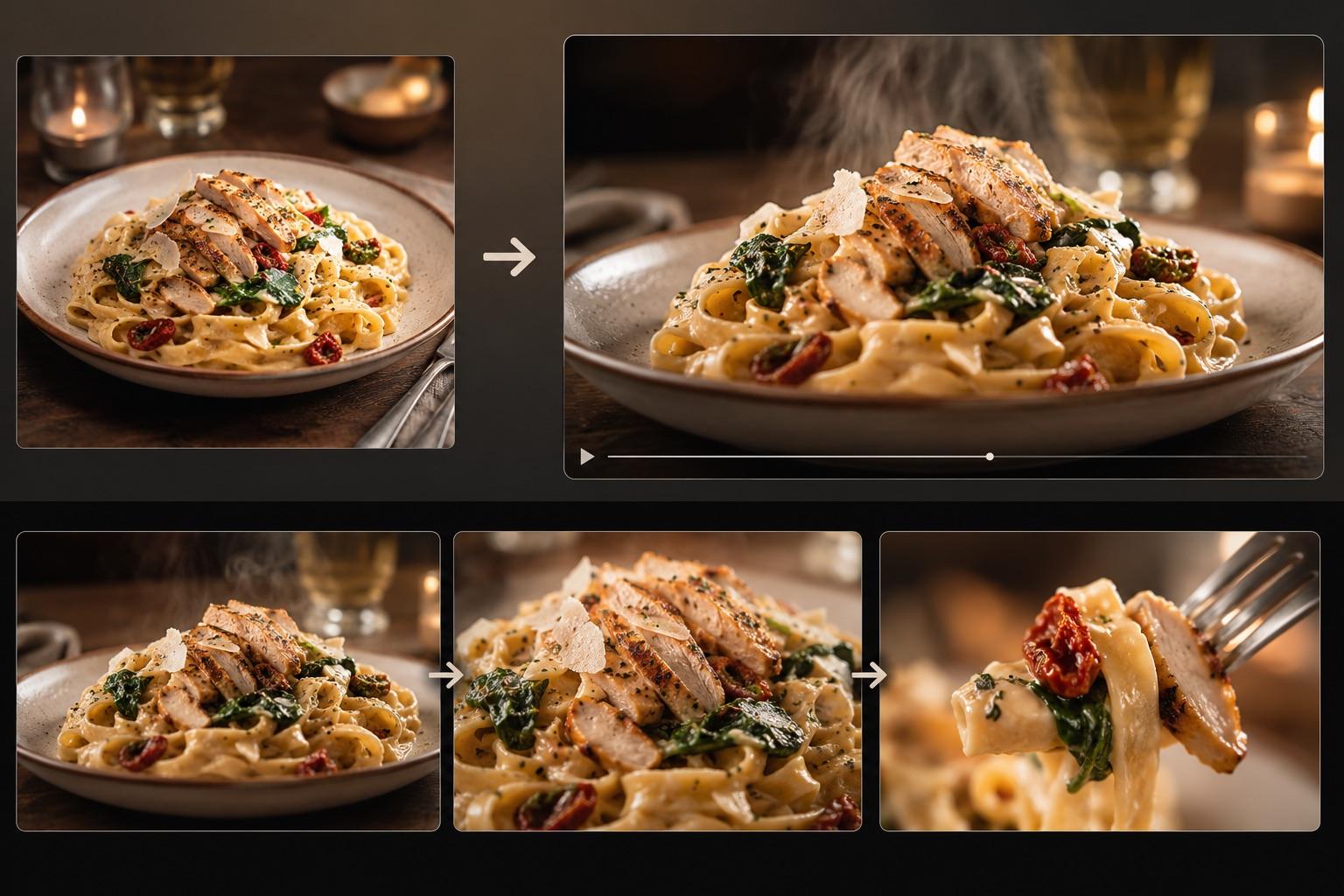
AI Food Video Generator: Make a Food Video From One Photo
Turn one dish photo into a realistic food video with controlled motion prompts, a three-shot storyboard, failure fixes, and an export checklist.

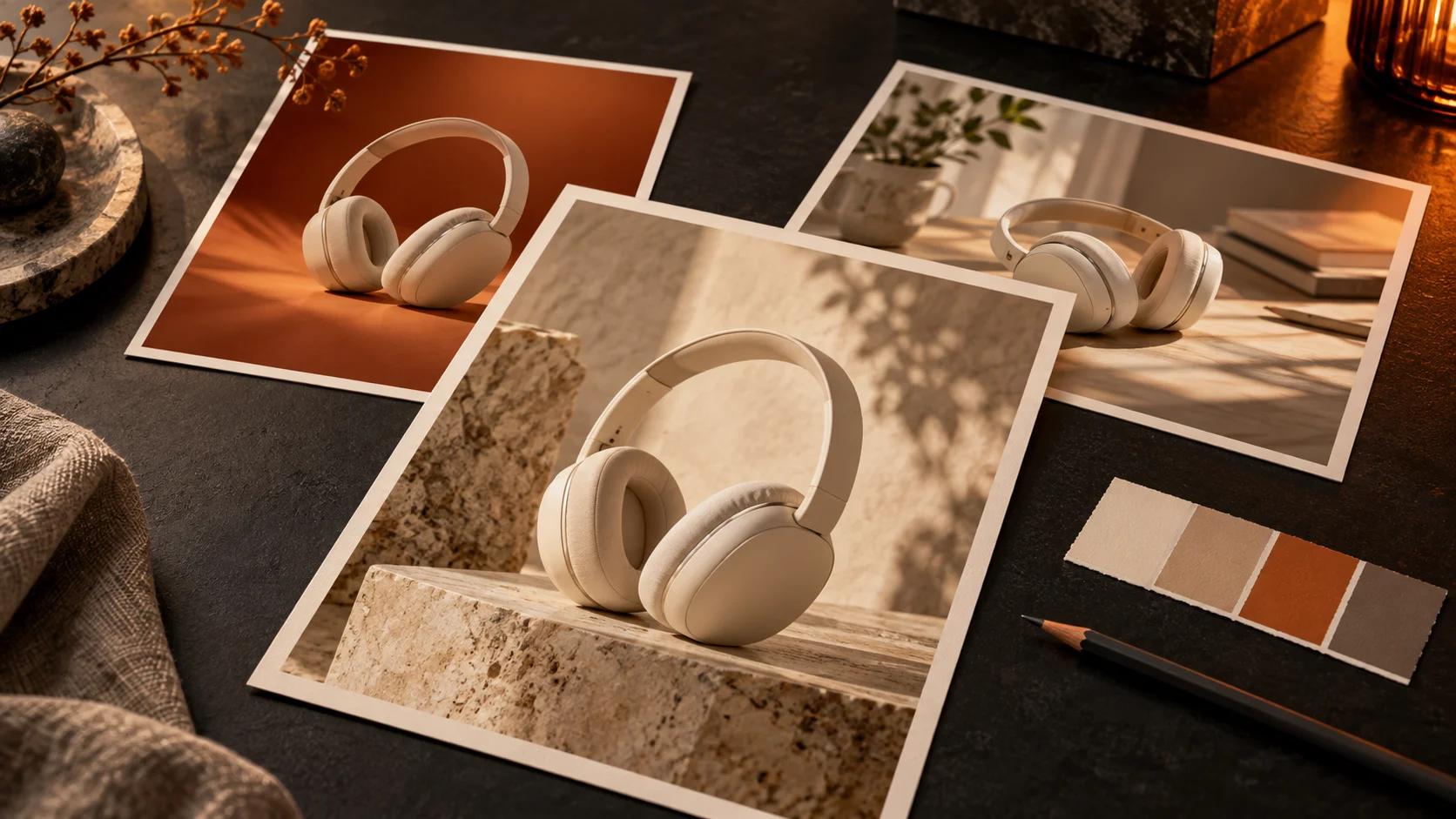
Learn when to use Seedream 5 Flash or Pro in Inkfox, with a practical headphone campaign workflow, copy-ready prompts, credit budgets, and a final review checklist.
Seedream 5 Flash and Pro are now available in Inkfox for text-to-image and image-to-image work. Flash has a predictable cost for exploring several directions. Pro has 1K and 2K price tiers for evaluating a chosen direction. This guide turns that difference into a practical headphone campaign workflow without assuming that either model will always look better or finish sooner.
Prices below are Inkfox credits as of October 23, 2026, for one output image per run. Set the output count to one for the examples in this guide.
| Choose | When it fits the job | Current Inkfox credit cost |
|---|---|---|
| Seedream 5 Flash | Testing different scenes, crops, or campaign directions before the team agrees on one | 4 credits at 1K, 1.5K, or 2K |
| Seedream 5 Pro | Regenerating an approved direction at 1K or 2K for closer review | 7 credits at 1K; 14 credits at 2K |
Both models offer eight ratios—1:1, 4:3, 3:4, 16:9, 9:16, 2:3, 3:2, and 21:9—and PNG export. Image-to-image accepts up to 10 references. Flash stays at 4 credits across its three sizes. Pro changes price with resolution; its first edit reference is included, each additional reference adds 0.5 credit, and Inkfox rounds the total up to a whole credit.
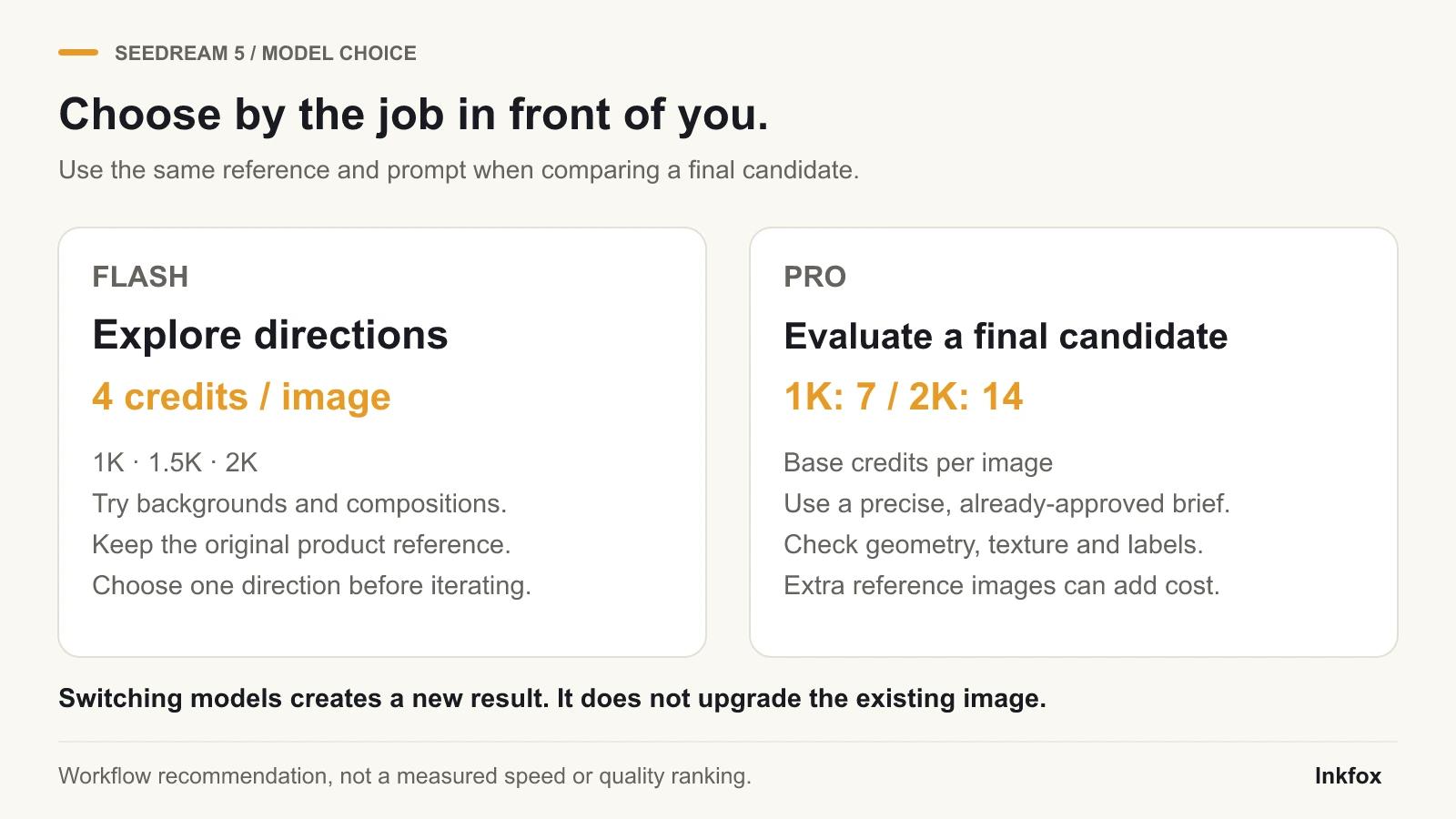
The cover and diagrams are tutorial illustrations, not Flash-versus-Pro output tests.
Imagine you have one approved headphone photo and need a landing-page hero. Its shape, color, proportions, logo placement, and finish must remain recognizable.
Use the cleanest original photo, record what cannot change, and choose the final placement. A 16:9 website hero needs different negative space from a 9:16 story ad.
Open image to image, upload the original headphone photo, and select Seedream 5 Flash. If you are inventing a product concept without a reference, open text to image instead.
Run three separate Flash generations:
Keep the identity sentence, ratio, and campaign message consistent; change only the scene. Three runs cost 12 credits. Then stop and choose the composition that best supports the placement.
Compare every result with the original. Reject changes to the silhouette, hinges, cup size, material, logo, or color. Judge the survivors for crop, message space, and channel fit. If none passes, revise the prompt or source and stay in exploration.
Once one direction passes, return to the original product photo. Select Seedream 5 Pro, choose 2K, and submit the same resolved prompt used for the winning Flash direction.
This is a new generation, not a one-click upgrade of the Flash image. Keeping the original source and prompt unchanged gives the team a cleaner basis for reviewing the Pro result.
For a real product, resolve the bracketed scene in Prompt 1, then keep the complete prompt unchanged for the Pro check.
Prompt 1: reference-based headphone campaign
Preserve the exact headphones in the reference image: the same silhouette, ear-cup proportions, headband curve, hinge design, logo placement, colors, and material finish. Create a [clean neutral studio hero / bold brand-color launch set / realistic modern listening desk] with soft controlled lighting and physically believable contact shadows. Frame as a 16:9 campaign image with clear negative space on the right for live website copy. Keep the headphones as the only featured product. No text, extra logos, duplicate products, invented controls, cables, or accessories.
Prompt 2: text-only headphone concept
Premium over-ear headphones for a modern audio campaign, matte graphite ear cups, slim brushed-metal hinges, soft black headband, three-quarter product view on a warm light-gray studio surface. Soft directional light from the left, realistic grounding shadow, restrained editorial styling, 16:9 composition, generous negative space on the right for live headline copy. One product only, no text, no logo, no person, no floating parts.
Prompt 2 creates a concept; it cannot prove what a real product looks like.
The simple campaign path is:
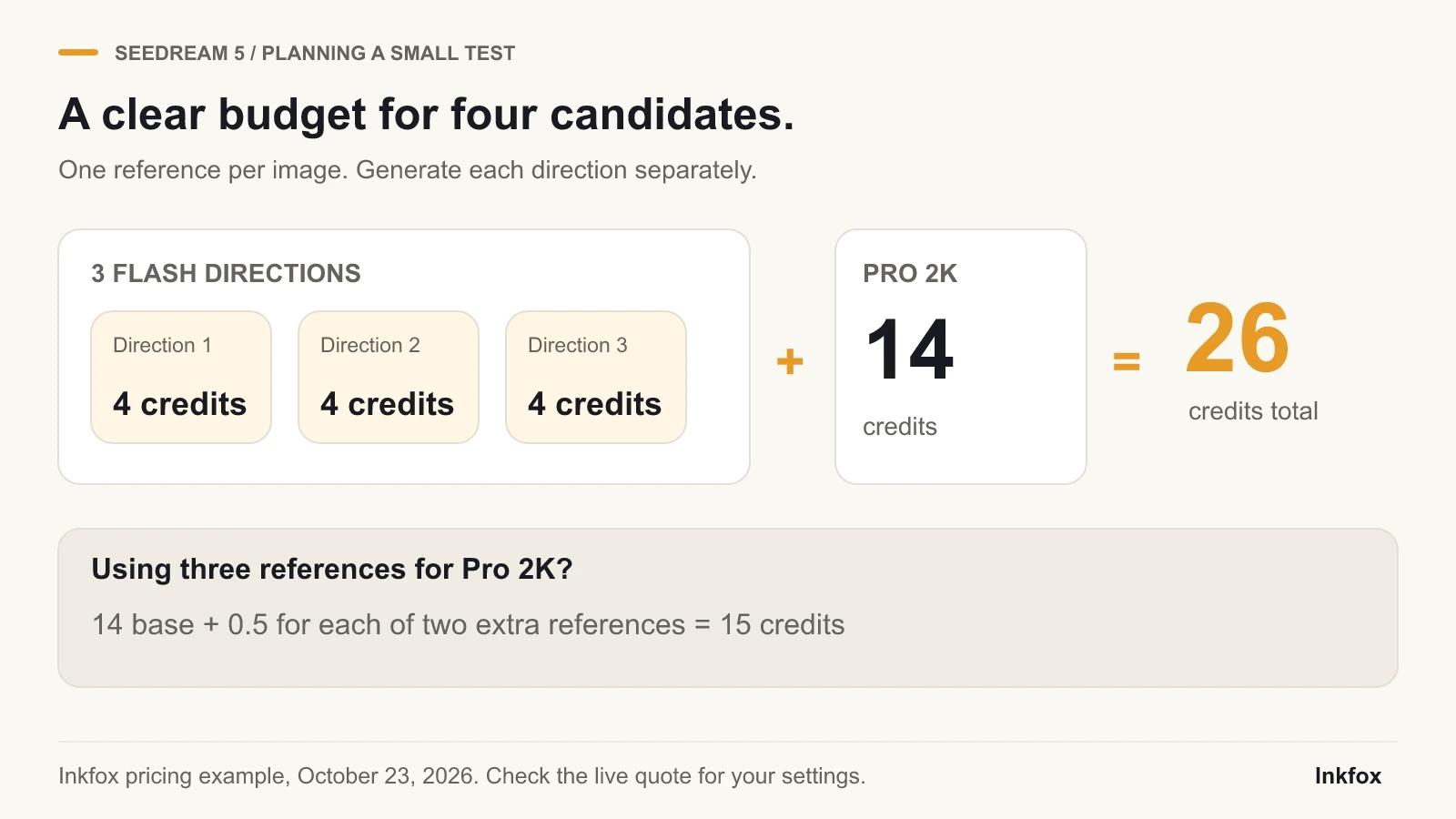
For example, a Pro 2K edit with three references costs 14 credits plus 1 credit for the two extra references: 15 credits after whole-credit rounding.
Always read the credit quote shown in Inkfox before submitting. That quote is the final check for the selected model, resolution, and number of references.
Compare the final image with the original at full size.
| Check | Pass condition |
|---|---|
| Silhouette | Headband, cups, hinges, and controls match the source |
| Color and finish | Matte, metal, fabric, and brand colors have not drifted |
| Branding | Logo shape and placement remain correct; small text is readable or removed |
| Product details | No extra buttons, ports, seams, cables, or accessories appear |
| Perspective | Both ear cups and the headband connect in believable geometry |
| Lighting | Highlights and shadows agree with the new scene |
| Placement | The crop and negative space work in the real page or ad layout |
Use approved artwork as a separate layer if tiny brand text must be exact. A beautiful image of the wrong product still fails.
If a Flash image already meets the brief, you can use it as the final asset; a Pro run is optional. Pro is harder to justify while the scene, palette, and composition are all changing and each new run costs more. For a simple cutout or a larger copy of an existing image, use the background remover or image upscaler. Photograph hidden product details rather than asking either generator to invent them.
You can, but that changes the test. For a controlled review, give Pro the original photo and the same winning prompt.
No. Review the actual output against the source and brief.
No. Add one only when it communicates something the first image cannot. Extra references also increase the Pro edit price.
Read How to Turn One Product Photo Into Five Consistent Scenes for shot planning, then continue with How to Turn Product Photos Into AI Ad Visuals.
Choose one approved headphone photo, define three scene directions, and spend one Flash run on each. Select only a direction that preserves the product, then decide whether a separate Pro regeneration is worth the next 14 credits.
Create the first campaign direction in image to image →
Turn one dish photo into a realistic food video with controlled motion prompts, a three-shot storyboard, failure fixes, and an export checklist.
Remove a watermark from a photo for free with AI. Clear stock marks, logos, signatures, and date stamps in one click, no Photoshop needed.
A practical review workflow for AI image-to-video creators: prepare a focused draft, share it as a link, collect useful notes, and keep revisions organized.
Newsletter
Subscribe to our newsletter for the latest news and updates